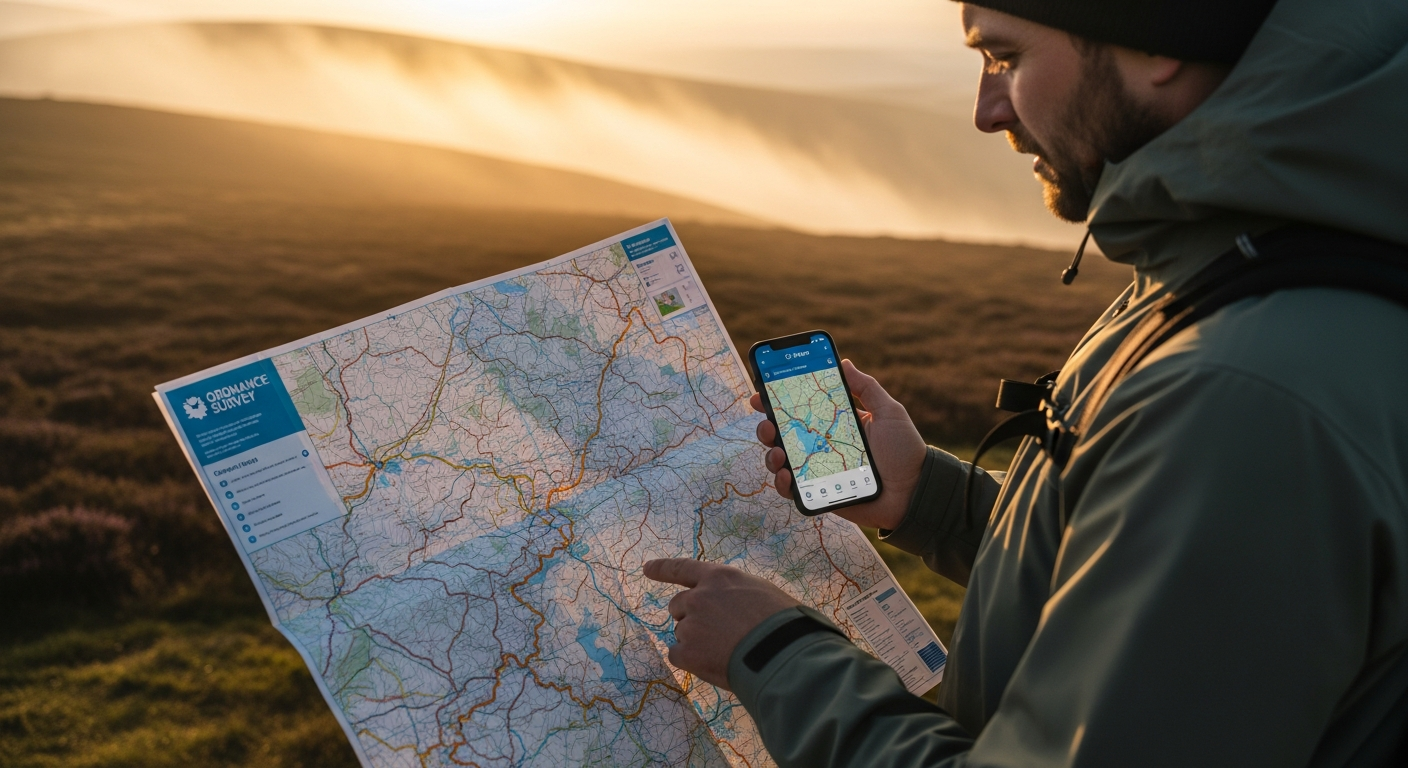
Over 600 outdoor adventures get planned every single day using digital mapping tools, yet countless hikers still find themselves stranded without signal coverage. The moment you venture beyond cellular reach, you realize that relying on real-time data is a luxury you can't afford. A dead signal in challenging terrain transforms a manageable hike into a navigation nightmare.
The Ordnance Survey Maps App represents a fundamental shift in how we approach outdoor navigation across Great Britain, delivering both the trusted accuracy of traditional maps and the convenience of digital tools. With access to 607 detailed OS maps and robust offline capabilities, this app has become the go-to solution for hikers, cyclists, and adventurers who refuse to compromise on safety or convenience. The transition from paper-only navigation to a hybrid digital approach isn't just about convenience—it's about reclaiming confidence when you're miles from the nearest signal tower.
Throughout this guide, I'll walk you through the offline features that make this app indispensable, show you how to maximize battery life while navigating, explain the subscription tiers and what you actually get for your money, and reveal insider strategies for combining digital and paper maps for ultimate navigation confidence.
Explore the OS Maps App and unlock offline navigation today
Why Offline Navigation Matters for Serious Outdoor Explorers
Remote areas across Great Britain often lack cellular coverage, making offline maps a safety essential. The Lake District, Scottish Highlands, and Welsh mountains frequently present dead zones where your phone becomes useless for real-time navigation. Without downloaded maps, you're left guessing at terrain ahead or retracing your steps to find signal.
Battery preservation becomes critical when you can't rely on constant connectivity. Streaming map data consumes significantly more power than accessing locally stored files. When you're hours into a mountain crossing with limited battery remaining, the difference between offline and online navigation can determine whether you reach your destination safely or get caught navigating by dimming light.
Offline functionality eliminates the anxiety of losing signal during challenging terrain navigation. Scrambling across rocky ridges or navigating dense forest becomes manageable when you know your map data is secure on your device. This mental clarity translates directly into better decision-making and more enjoyable outdoor experiences.
Downloaded maps work faster than streaming data, improving real-time route adjustments. Whether you need to bypass an unexpected obstacle or reassess your pace to daylight remaining, instant map access gives you the responsiveness that cellular-dependent apps simply cannot match.
Downloading and Managing Maps for Offline Use
Selecting specific regions before heading out requires only a few taps within the app. Navigate to your target area on the map view, identify the coverage you need, and initiate the download. Most users download at least the 1:25,000 Explorer scale for detailed navigation around their primary destination, then add broader 1:50,000 Landranger coverage for context and contingency routing.
Storage requirements vary significantly based on map scale and geographic scope. A single Explorer map sheet typically occupies 15-25 MB of device storage, while Landranger coverage requires less due to broader scale. Downloading an entire region like Peak District or Lake District ranges from 200-500 MB depending on detail level. Modern smartphones easily accommodate multiple regions; most users find 2-3 GB allocation sufficient for comprehensive trip coverage.
Updating downloaded maps ensures you have the latest terrain and route information. The OS Maps App prompts you when updates become available, and Premium subscribers benefit from regular map refreshes reflecting new trails, facility closures, and terrain changes. Establishing a habit of updating maps weekly keeps your offline library current without requiring constant re-downloads.
Download the OS Maps App now and master offline map management
Mastering Route Planning Before You Lose Signal
Creating custom routes within the app using the intuitive snap-to-path feature transforms route planning from a tedious exercise into genuine exploration. Simply sketch your desired path on the map, and the app automatically aligns your route to recognized trails and terrain. This intelligent snapping prevents accidental off-trail suggestions while maintaining your intended direction.
Discovering community-shared routes from other explorers in your target area provides invaluable intel about proven pathways. Thousands of users contribute detailed routes documenting difficulty levels, seasonal considerations, and scenic highlights. Reviewing several community routes before creating your own often reveals approaches you hadn't considered and potential hazards others have documented.
Adjusting routes based on terrain difficulty and elevation profiles visible in the app prevents overambitious planning. The elevation display shows gradient intensity, helping you assess physical demands across different route sections. This information proves particularly valuable when time constraints or fitness levels demand realistic expectations about achievable distances and elevation gain.
Understanding Premium vs. Free: What Offline Access Really Costs
The free version provides access to basic Landranger mapping and limited offline downloads, sufficient for casual exploration within familiar territory. However, serious outdoor enthusiasts quickly discover that free-tier restrictions limit offline coverage to single map sheets, requiring frequent manual updates and limiting the geographic scope you can download before a trip.
Premium subscription pricing presents accessible options for serious users: £34.99 annually or £6.99 monthly. Annual commitment provides genuine value for anyone undertaking multiple outdoor adventures throughout the year. Monthly billing suits those testing the platform or requiring seasonal access during summer hiking months.
Full Explorer and Landranger map access with Premium subscription tier unlocks the complete 607-map collection for offline download. Premium members download entire regions without restrictions, ensuring comprehensive coverage from trip planning through final navigation. GPX export capabilities enable route sharing with smartwatches and dedicated navigation devices, extending the app's utility beyond smartphone-only navigation.
Navigate with Confidence: Making Offline Maps Your Outdoor Superpower
The shift from paper to digital navigation doesn't mean abandoning the reliability that's kept explorers safe for decades—it means amplifying it. The OS Maps App transforms offline navigation from a nice-to-have feature into an absolute game-changer for anyone serious about exploring Great Britain safely. The ability to download comprehensive maps, plan detailed routes, and navigate without signal coverage removes the biggest barrier between you and remote adventures.
What makes this approach genuinely powerful is the combination: Premium access unlocks full map coverage, offline downloads ensure you're never stranded, and battery optimization keeps your device running when you need it most. You gain the detailed, trusted Ordnance Survey mapping that professional navigators rely on, packaged within an interface designed for real-world field use.
Start small by downloading a single region this week, test the offline features on a familiar route, and experience firsthand why thousands of outdoor enthusiasts have made this app indispensable. Your next adventure deserves navigation you can trust completely, regardless of what the signal bars say.
Get the OS Maps App and transform your outdoor navigation forever
Leave a Reply