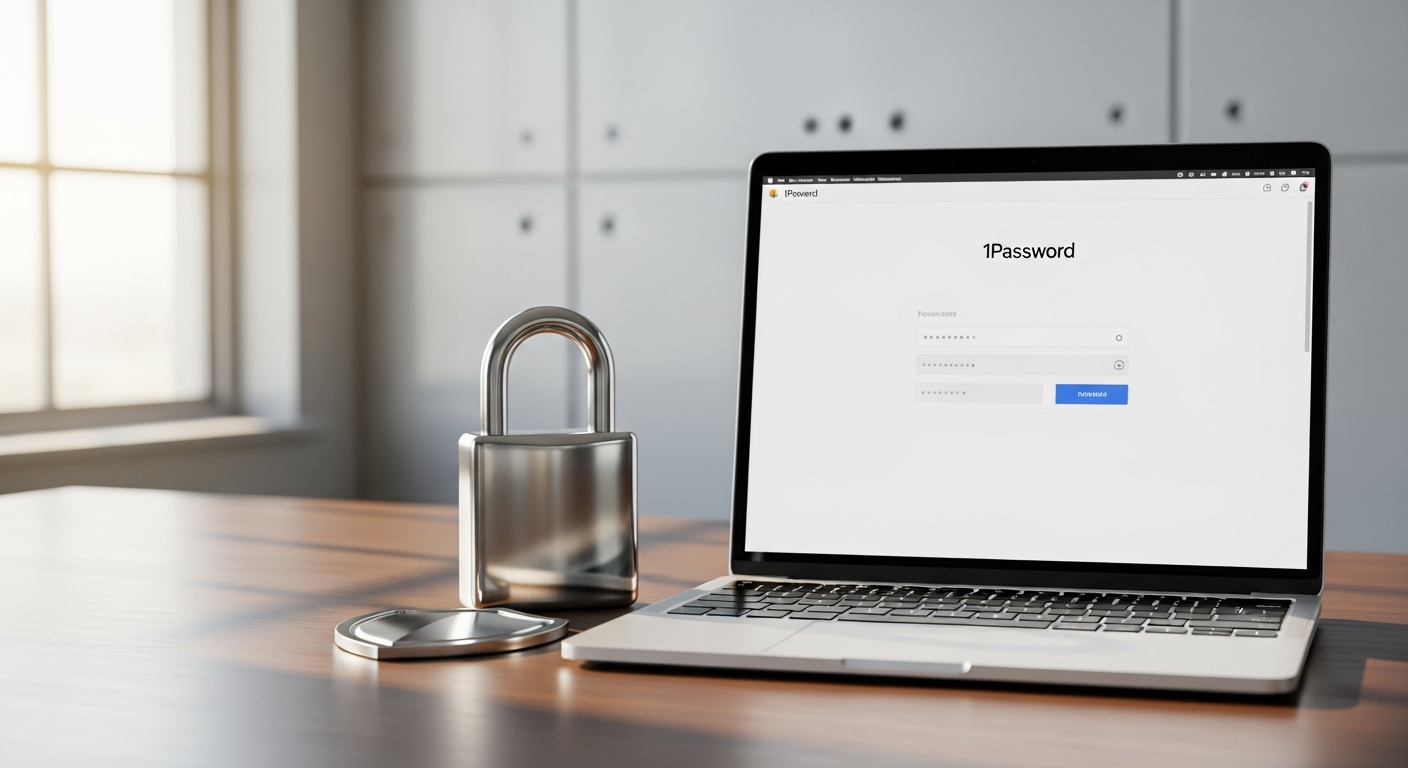
Beyond Passwords—What 1Password's Subscription Actually Protects
Most people think password managers simply store login credentials. That misconception undersells what 1Password actually does. The platform functions as a comprehensive digital vault, designed to protect far more than usernames and passwords. Your financial information—credit card details, bank account numbers, and transaction history—stays encrypted within the same secure environment as your login credentials. Secure notes containing confidential information, sensitive documents, and personal identification data all live under the same robust encryption layer.
The subscription service extends protection to specialized data types that traditional password managers often overlook. Developers benefit from secure storage of server credentials, API keys, SSH keys, and digital certificates. Cryptocurrency users can safeguard wallet addresses and seed phrases with military-grade protection. Custom field creation allows you to design storage solutions for virtually any sensitive data type unique to your workflow.
Multi-Layer Data Organization
1Password's vault system goes beyond simple list storage. You organize information into separate vaults, each with customizable access permissions. This means your personal credentials can remain completely private while a family vault or work vault grants appropriate access to designated users. The platform handles personal identification data, financial records, and secure notes within the same encrypted infrastructure, eliminating the need for multiple security solutions scattered across different services.
The Security Features That Make 1Password Stand Out
The foundation of 1Password's reputation rests on military-grade AES-256 encryption—the same standard used by governments and financial institutions. But encryption alone doesn't guarantee security. The platform employs a zero-knowledge architecture where even 1Password employees cannot access your vault contents. Your master password serves as the sole key to decrypt your data, and it never leaves your device.
Active Threat Detection and Response
Watchtower represents 1Password's proactive security approach. This vulnerability detection system continuously monitors your stored passwords against known breach databases, alerting you immediately when a password appears in a security incident. Rather than waiting for you to discover compromised credentials, Watchtower identifies weak passwords, reused passwords, and passwords exposed in data breaches automatically. Real-time breach monitoring ensures you're never caught off-guard by new security threats.
Advanced Authentication and Access Controls
Two-factor authentication and biometric login options add protection layers beyond your master password. Account recovery codes provide backup access methods if you lose access to your primary authentication devices. Activity logs track who accessed your vaults and when, creating accountability for team and family accounts. Integration with identity providers like Okta and Entra ID enables single sign-on capabilities for business users, streamlining authentication while maintaining security standards.
Start protecting your digital assets with 1Password today.
Pricing Plans Breakdown—Finding Your Perfect Fit
1Password's pricing structure accommodates individual users, families, teams, and enterprises. The Individual plan costs $2.99 per month when billed annually, or $3.99 for monthly payments. This tier suits solo users managing personal accounts, financial information, and secure notes without team collaboration needs.
The Family plan provides exceptional value for households, covering up to five users for $4.99 per month on annual billing. Each family member maintains a private vault while accessing shared vaults created by the account administrator. Additional family members beyond the initial five cost $1.39 per user per month, making it economical to expand coverage as your household grows.
Team and Business Solutions
Teams and Starter Pack plans begin at $19.95 per month for annual billing, supporting up to 10 members. Monthly billing raises this to $24.95 per month. These plans provide the collaboration features essential for small teams managing shared credentials and secrets.
The Business plan scales to larger organizations at $7.99 per user per month on annual commitments, or $9.99 monthly. This tier unlocks advanced features including role-based vault sharing, comprehensive activity logs, and identity provider integrations. Enterprise solutions offer custom pricing tailored to specific organizational requirements, complete with dedicated account management and support.
Annual Commitment Savings
Switching from monthly to annual billing consistently reduces your effective monthly cost across all tiers. An Individual plan subscriber saves $12 annually by committing to yearly payments—a modest but meaningful reduction for budget-conscious users. Family plan subscribers realize $60 in annual savings through yearly commitment, making the case for longer-term planning increasingly attractive as user counts increase.
Cross-Device Synchronization and Accessibility
Your vault follows you across every device. Windows, Mac, iOS, and Android all sync seamlessly with real-time updates. When you change a password on your phone, it immediately appears on your desktop. Browser extensions integrate with Chrome, Firefox, Safari, and Edge, enabling one-click autofill on login pages and registration forms.
The mobile app provides offline access capability, allowing you to reference stored information even without internet connectivity. Desktop applications deliver responsive performance without noticeable delays, while web-based vault access functions from any modern browser. Device management capabilities let you remotely logout from specific devices, controlling access if a phone or laptop becomes lost or compromised.
1Password for Families vs. Individual Plans—Making the Right Choice
Individual plans suit single-user households with straightforward credential management needs. You maintain complete control over your vault with no need to coordinate access or manage permissions for other users. The cost remains minimal at $2.99 annually, making it an economical solution for solo protection.
Family plans justify their $4.99 monthly cost through multi-user benefits. Rather than each household member maintaining separate subscriptions, one Family plan covers everyone while preserving privacy. Each member owns a private vault where personal information remains inaccessible to others. Shared vaults allow parents to store household WiFi credentials, emergency contacts, and shared account information that everyone needs.
Emergency Access and Trust Features
Family plans include emergency access functionality, designating trusted contacts who can access your vault if something happens to you. This feature provides peace of mind knowing your digital assets remain accessible to family members during genuine emergencies. Parental controls enable account administrators to manage settings for younger family members while respecting their privacy.
Scalability and Flexibility
Family plans accommodate growth naturally. Adding a sixth member costs $1.39 monthly, remaining economical compared to maintaining separate Individual subscriptions. This flexibility means your plan grows with your family rather than forcing expensive tier jumps.
Enterprise and Business Solutions—Scaling Security Across Organizations
Organizations managing dozens or hundreds of employees benefit from 1Password's business infrastructure. Role-based vault sharing grants granular control—developers access credential vaults, finance teams access payment method vaults, and administrators maintain oversight without universal access. Activity logs provide comprehensive audit trails documenting exactly who accessed what information and when.
Identity provider integrations enable single sign-on through existing corporate systems like Okta or Entra ID. SCIM provisioning automates user management as employees join and leave. Teams can establish secure sharing workflows where sensitive credentials flow through controlled channels with approval requirements.
Secrets Management and Development Integration
Development teams benefit from secure API key, server credential, and SSH key storage. The platform integrates with CI/CD pipelines, allowing automated systems to retrieve secrets without exposing sensitive information. Compliance certifications including SOC 2, ISO 27001, and GDPR compliance provide assurance that enterprise security standards are met.
Custom onboarding programs and dedicated account managers ensure smooth deployments across large organizations. Advanced reporting and analytics dashboards offer visibility into password health, access patterns, and potential security risks across the entire company.
User Experience and Interface Design
1Password prioritizes intuitive design over feature complexity. The dashboard layout presents your vaults and items logically, with navigation that feels natural even for first-time users. Password generation happens with a few clicks, offering customizable parameters for length, character types, and special requirements.
Quick login features reduce friction—clicking your browser extension automatically fills login fields and submits forms. Search functionality works intelligently, helping you locate specific items even if you can't remember exact names. Tags and categories organize information beyond simple lists, enabling flexible categorization based on your personal system.
Accessibility and Onboarding
The interface includes accessibility features for users with disabilities, ensuring secure credential management remains available to everyone. Learning curves typically prove minimal—most users achieve productivity within their first session. Abundant onboarding resources, video tutorials, and help documentation support users encountering unfamiliar features.
Mobile app design maintains consistency with desktop experiences, eliminating the need to learn separate interfaces across platforms. Performance remains responsive even on lower-specification devices, making 1Password accessible regardless of hardware capabilities.
How 1Password Compares to Free and Competitor Solutions
Free password managers offer basic credential storage at zero cost, making them superficially attractive. However, they typically lack advanced security features like breach monitoring, limited synchronization capabilities, and minimal customer support. 1Password's Watchtower feature alone—continuously scanning for compromised passwords—provides security that free solutions simply cannot match.
LastPass, Dashlane, and Bitwarden all offer competitive password management, but each makes different compromises. LastPass emphasizes affordability but faced security incidents that damaged user confidence. Dashlane targets premium users but commands higher prices for comparable features. Bitwarden offers attractive open-source credentials and lower costs, though with fewer enterprise-grade features.
Justifying Premium Costs
1Password's subscription cost reflects comprehensive security architecture, zero-knowledge encryption, active threat monitoring, and responsive customer support. The platform's performance, interface design, and ecosystem integrations justify the monthly investment for users prioritizing both security and usability. Industry recognition and widespread adoption reinforce that reputation—millions of users trust 1Password with sensitive digital assets daily.
User satisfaction ratings consistently rank 1Password among the highest in independent reviews. Enterprise customers particularly value the combination of security features, scalability, and support responsiveness that justify business-tier pricing.
Common Concerns and the Real Cost of 1Password
Subscription expenses create legitimate hesitation for some users accustomed to free alternatives or one-time purchase models. However, password management represents critical infrastructure for digital life. The cost of potential identity theft, fraudulent charges, or account compromise far exceeds 1Password's subscription fees. From this perspective, $36 annually for Individual plans represents excellent value for comprehensive protection.
Transparency and Hidden Costs
1Password maintains transparent pricing with no hidden upsells or surprise charges. The stated monthly cost reflects your actual expense—no premium features hiding behind additional payments. Cancellation policies allow account closure without penalties, and data export options ensure you retain access to your information if you switch services.
Privacy concerns rarely materialize given the zero-knowledge architecture. You own your data entirely; 1Password provides the infrastructure but cannot access contents. Device resource impact proves minimal—the application consumes modest processing power and storage without noticeably affecting performance.
Getting Started—Implementation and Best Practices
Account creation takes minutes through 1Password's website or mobile app. You establish a master password—the sole key to your encrypted vault—and optionally configure two-factor authentication for additional security. Initial setup guides walk you through vault creation and customization.
Migration and Organization
Importing passwords from existing managers or browser-saved credentials streamlines transition. 1Password recognizes formats from most password managers, making bulk imports straightforward. Post-import, organization strategies determine long-term usability—developing a clear naming convention and vault structure prevents chaos as your credential collection grows.
Password generation best practices suggest creating unique, complex passwords for every account using 1Password's built-in generator. Secure sharing protocols ensure credentials remain protected when delegating access to family members or team members. Regular Watchtower audits identify weak or reused passwords requiring attention.
Two-factor authentication setup protects your master account with an additional security layer. Emergency access configuration designates trusted contacts who gain vault access during genuine emergencies. Backup and recovery procedures ensure you maintain access even if authentication devices become unavailable.
Securing Your Digital Future With 1Password
Your digital life deserves protection that actually works. The breadth of 1Password's subscription service—from its encryption standards to its flexible pricing—demonstrates a clear commitment to user security without sacrificing usability. Whether you're managing dozens of personal accounts, maintaining a household of users, or scaling security across an entire organization, 1Password delivers the balance between robust protection and genuine ease-of-use that competitors struggle to match.
The cost objection fades quickly once you experience the peace of mind that comes with centralized, encrypted credential management and real-time breach monitoring through Watchtower. Your digital assets deserve this level of protection, and your next step remains straightforward: evaluate which pricing tier aligns with your situation, start the free trial, and experience firsthand why millions of users trust 1Password with their most sensitive digital information.
Leave a Reply