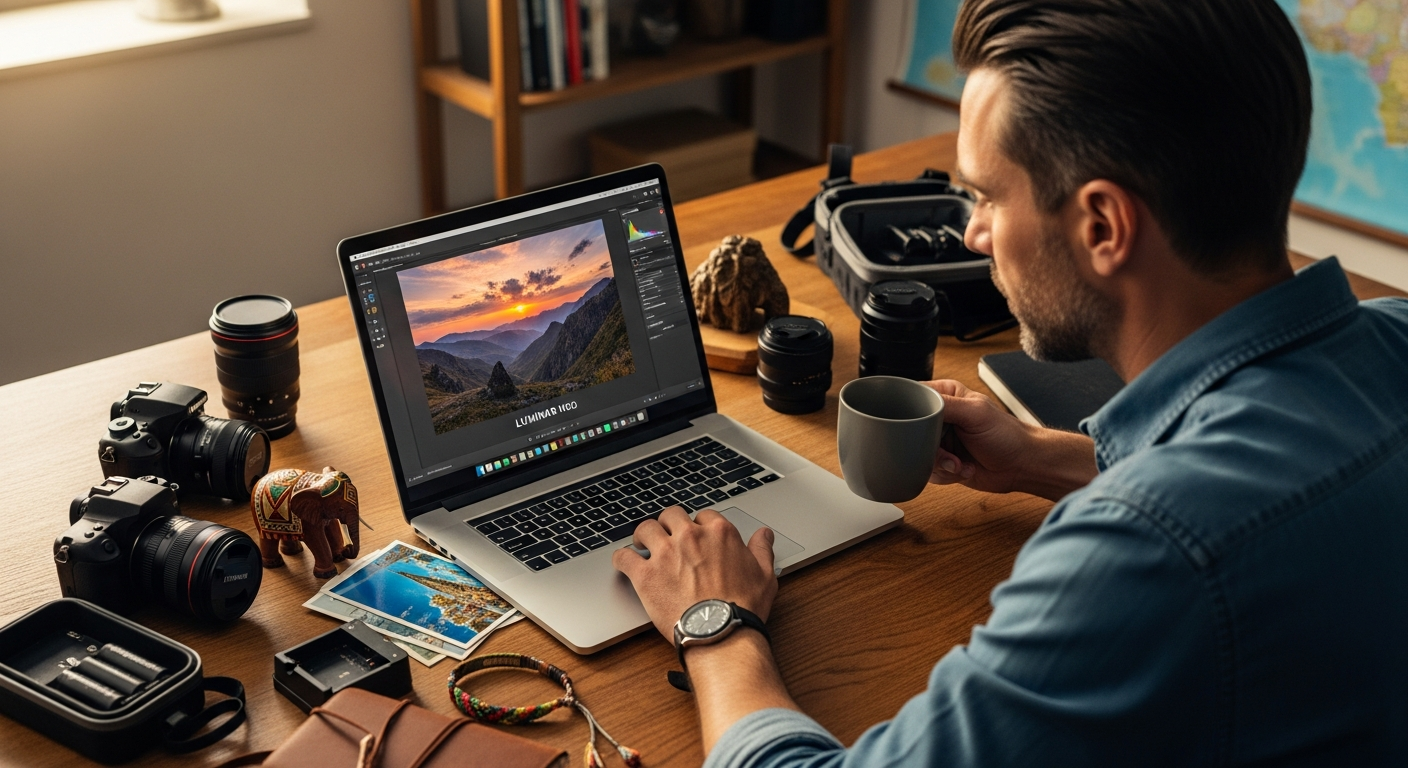
Travel photographers capture an average of 2,000+ images per trip, yet spend countless hours editing them back home. That workflow bottleneck hits hardest when you’re juggling exposure inconsistencies, dull skies, and cluttered backgrounds across hundreds of shots. Traditional editing software can feel painfully slow under that volume.
Skylum’s Luminar Neo AI Photo Editor Software changes this equation entirely. The flagship editor combines powerful artificial intelligence with a perpetual licensing model that won’t drain your wallet with monthly subscriptions. Unlike subscription-heavy competitors, Luminar Neo offers one-time purchases starting at $119, making it an accessible choice for photographers who want professional-grade tools without enterprise pricing.
Discover how Luminar Neo can revolutionize your travel photography editing.
Why Travel Photographers Need Smart Batch Editing Solutions
Travel photography generates massive image volumes that demand efficient post-processing workflows. When you’re processing 500+ images from a single trip, traditional manual editing becomes unsustainable. AI-powered batch tools allow photographers to apply consistent corrections across entire photo libraries in minutes rather than hours.
Luminar Neo’s automation capabilities free up your creative energy for selective refinements rather than repetitive tasks. Instead of spending 5-10 minutes adjusting each image individually, you can apply intelligent corrections to dozens of photos simultaneously. Mobile editing integration enables you to preview and adjust images while still traveling, so you’re not waiting until you return home to assess your shots.
AI Sky Replacement: The Game-Changer for Inconsistent Travel Lighting
Travel photography involves unpredictable weather and varying sky conditions across shooting sessions. A dramatic sky can transform a mediocre composition into a captivating image, yet many travel photographers face blown-out or dull skies they can’t control in the field.
Luminar Neo’s AI Sky Replacement tool analyzes and replaces skies with photorealistic alternatives in seconds. The AI understands lighting direction, shadow placement, and atmospheric perspective for natural-looking results that don’t betray artificial manipulation. You can build a custom sky library or choose from Luminar Neo’s curated collection of professionally designed skies.
This single feature rescues underexposed or blown-out sky shots that would otherwise require advanced Photoshop techniques. Batch sky replacement functionality allows applying consistent sky treatments across series of related images, eliminating the need for complex masking and manual blending work that consumes hours.
Generative Erase for Removing Unwanted Travel Distractions
Travel photography frequently captures unplanned elements: tourists wandering into backgrounds, power lines crossing scenic vistas, signage interrupting compositions, or environmental clutter that undermines your intended message. These distractions become apparent only after you return home and review your images.
Luminar Neo’s Generative Erase tool uses AI to intelligently remove objects while regenerating realistic background content. The technology analyzes surrounding pixels and textures to create convincing replacements without manual cloning work. You can erase multiple elements from a single image without the tool’s performance degrading, and the learning curve is dramatically reduced compared to Photoshop’s content-aware fill or healing brushes.
Travel photographers save hours that would otherwise go toward manual object removal and background reconstruction, transforming marginal shots into keeper images.
Streamlining Exposure and Color Consistency Across Travel Series
Travel photo shoots often span multiple lighting conditions, times of day, and locations with different color casts. A morning shoot in warm, golden light followed by afternoon work in harsh midday sun creates a visual discontinuity when you view the images as a gallery.
Luminar Neo’s AI Denoise and exposure adjustment tools work together to normalize inconsistent shots. The software’s preset system allows you to create custom profiles matching specific travel destinations or lighting scenarios. Batch processing capabilities enable applying consistent color grading to entire photo series simultaneously, creating visual cohesion across your travel narrative.
The Twilight Enhancer specifically targets golden hour and blue hour photography common in travel work, bringing out the atmospheric qualities of these magical light periods. RAW processing features ensure you retain maximum flexibility for exposure recovery and color correction, while the interface allows quick A/B comparisons between original and edited versions for quality control.
Perpetual Licensing: Why Travel Photographers Should Skip Subscriptions
Monthly subscription costs for Adobe Lightroom accumulate to $120+ annually, creating recurring expenses that compound over your photography career. A photographer shooting for 15 years pays nearly $1,800 just for editing software subscriptions before considering any other tools.
Luminar Neo’s perpetual license model requires a single upfront payment with no ongoing fees. The Desktop License ($119) covers macOS and Windows editing on your primary computers. The Cross-Device Perpetual License ($159) includes mobile apps for iOS, Android, and ChromeOS for on-the-go editing. The Perpetual Max License ($179) adds an expanded creative library with additional presets and assets.
Explore Luminar Neo’s perpetual license options and start editing without subscription commitments.
Travel photographers who shoot 2-3 times yearly recover the software cost within 12-18 months compared to subscriptions, and perpetual licenses provide long-term value without forced upgrades or feature removal if subscriptions are cancelled.
Mobile and Cross-Platform Editing for Photographers on the Move
Travel photographers benefit from editing capabilities across phones, tablets, and laptops without platform restrictions. Luminar Neo’s cross-device license synchronizes edits and presets across all connected devices, so your settings travel with you.
iOS and Android apps allow you to review, organize, and make preliminary edits while traveling, catching potential issues before you leave a location. ChromeOS compatibility extends editing access to lightweight travel laptops and Chromebooks that many photographers prefer for their portability. Cloud synchronization ensures you can start editing on mobile and finish on desktop without file transfer hassles.
The mobile interface maintains the same intuitive design as the desktop version, reducing the learning curve when switching between devices. You can deliver edited images to clients or social media directly from mobile devices without desktop transfers, accelerating your workflow from capture to sharing.
Building Efficient Workflows: From Import to Export
Travel photographers need streamlined processes that minimize time spent in software rather than behind the camera. Luminar Neo’s import organization tools allow you to sort and tag images quickly, establishing a logical structure for your travel library.
Preset application and batch processing reduce per-image editing time from 5-10 minutes to 30-60 seconds. The software’s plugin functionality integrates with Photoshop for photographers needing advanced compositing alongside AI tools. Focus Stacking and HDR Merge features handle complex technical challenges automatically, while the Upscale Resolution tool allows printing larger from existing travel images without quality loss.
Export settings can be customized and saved as presets for consistent file delivery across different platforms, whether you’re preparing social media content, client deliverables, or print materials.
Comparing Luminar Neo to Lightroom for Travel Photography Workflows
Adobe Lightroom’s subscription model creates ongoing costs that accumulate over photographers’ careers, while Luminar Neo’s AI tools handle sky replacement and object removal faster than Lightroom’s manual adjustment approach. Lightroom excels in keyword tagging and library management, areas where Luminar Neo has limitations.
Luminar Neo’s batch processing speed outpaces Lightroom when applying consistent treatments across large image sets. Lightroom’s mobile app offers superior organization features, while Luminar Neo’s mobile app prioritizes editing capabilities. Travel photographers prioritizing speed and cost-effectiveness often prefer Luminar Neo, whereas photographers requiring extensive metadata management and archival features may find Lightroom’s organizational tools more suitable.
The choice depends on whether you value AI editing power or organizational features more heavily.
Performance Considerations for Travel Photographers with Large Libraries
Luminar Neo’s performance is generally reliable but can consume significant RAM when processing large batches. Travel photographers with 10,000+ image libraries should monitor system resources during batch operations. The software runs smoothly on modern MacBooks and Windows laptops commonly used for travel photography.
Solid-state drives (SSDs) significantly improve performance when working with RAW files from travel shoots. The Noiseless RAW processing feature handles high-ISO images from low-light travel situations effectively. Photographers with older computers may experience slower batch processing times, though the software’s overall performance remains competitive with professional-grade editors for travel photography workflows.
Real-World Results: Travel Photography Before and After Luminar Neo
Travel photographers report reducing editing time by 60-70% when switching from manual Lightroom workflows to Luminar Neo. Sky replacement transforms dull, overexposed travel skies into dramatic, engaging backgrounds in single clicks. Object removal eliminates distracting tourists, vehicles, and environmental elements that compromise composition.
Batch exposure and color corrections create cohesive travel photo galleries with consistent visual storytelling. Denoise and Upscale Resolution tools rescue marginal travel shots that would otherwise be discarded. Photographers report increased confidence sharing travel images on social media and with clients, and the time savings allow photographers to focus on planning and executing better travel photography rather than post-processing.
Addressing the Limitations: When Luminar Neo Might Not Be Ideal
Photographers requiring advanced keyword tagging and archival organization may find Luminar Neo’s library features limiting. Batch editing has some constraints compared to Lightroom’s more granular batch processing options. The Skin Defects Removal tool doesn’t consistently match professional-grade portrait retouching software.
Heavy RAM usage can be problematic on older or budget laptops commonly used for travel. The software prioritizes AI-driven editing over organizational features that some photographers consider essential. Travel photographers with extensive metadata requirements may need supplementary organization tools. Understanding these limitations helps you make informed decisions about whether Luminar Neo fits your specific workflow.
Getting Started: Choosing the Right Luminar Neo License for Your Travel Photography
Solo travel photographers shooting occasionally should consider the Desktop License ($119) for cost efficiency. Photographers who edit on multiple devices during travel should invest in the Cross-Device License ($159). The Perpetual Max License ($179) appeals to photographers wanting access to expanded creative libraries and presets.
All perpetual licenses include free minor updates, protecting your investment over time. Trial versions allow you to test Luminar Neo with your own travel images before purchasing. The one-time purchase model means you can upgrade to higher tiers later without losing your initial investment. Budget-conscious travel photographers can start with the Desktop License and upgrade to cross-device access later.
The Bottom Line for Travel Photography Enthusiasts
Luminar Neo AI Photo Editor Software transforms how travel photographers approach post-processing. The combination of powerful AI tools, perpetual licensing, and cross-platform capabilities creates a compelling alternative to subscription-heavy competitors. Travel photographers who prioritize editing speed and cost efficiency find tremendous value in the software’s sky replacement, object removal, and batch processing capabilities.
The perpetual license model makes financial sense for photographers who shoot regularly. Instead of paying $120+ annually for Lightroom subscriptions, a single investment of $119-$179 delivers years of editing power without recurring fees. The mobile integration means you’re never without editing tools, whether you’re reviewing shots in a remote location or refining images at home.
That said, Luminar Neo isn’t a perfect solution for every photographer. If keyword tagging, advanced library organization, and extensive metadata management are non-negotiable for your workflow, Lightroom remains the stronger choice. For travel photographers who value speed, AI-powered automation, and straightforward editing capabilities, Luminar Neo delivers impressive results that justify the investment.
Leave a Reply