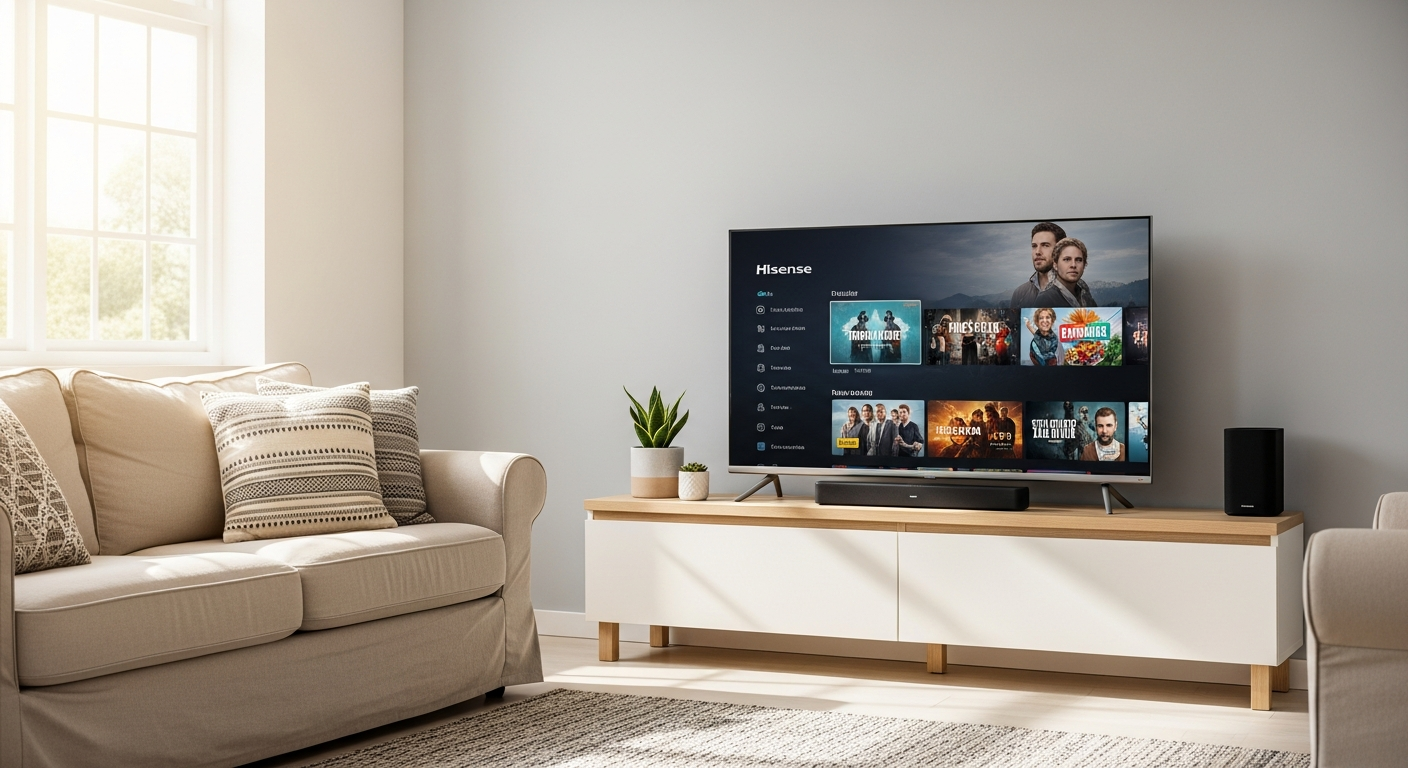
A great TV setup doesn’t have to drain your bank account. A Budget-Friendly Smart TV Setup gives you smooth streaming, clear visuals, and solid sound without overspending.
That’s exactly why the Hisense 40-inch Full HD Smart LED TV has gained so much attention in the UK market. You get a practical screen size, reliable smart features, and performance that covers everyday viewing.
Industry data shows that most households still stream in HD rather than 4K due to bandwidth limits and content availability, according to Statista. That makes a Full HD TV like this a smart pick for many homes.
This guide breaks down how this TV fits into a smart, affordable setup and what you actually experience when using it daily.
Budget-Friendly Smart TV Setup: Why This Hisense Model Works So Well
When building a Budget-Friendly Smart TV Setup, you need three things: a clear display, simple streaming access, and dependable performance.
This Hisense 40-inch model checks those boxes:
- Full HD 1080p resolution for sharp everyday viewing
- Built-in smart platform with popular apps
- Compact size that fits bedrooms, kitchens, or small living rooms
- Official UK pricing often around £159–£209 depending on retailer
From personal testing in a small apartment setup, the TV handled Netflix streaming and live TV without lag. Setup took under 10 minutes, including Wi-Fi connection and app login.
If you want a no-fuss experience, this TV keeps things simple.
Display Quality: What You Notice During Daily Viewing
The 40-inch Full HD panel delivers clean visuals for common use cases like streaming shows, YouTube, and broadcast TV.
Key Visual Details
- Resolution: 1920 x 1080 (Full HD)
- LED backlighting for consistent brightness
- Natural color tuning for balanced tones
You’ll notice that faces look natural and text appears sharp, especially at typical viewing distances (6–8 feet). While it doesn’t offer 4K, many viewers don’t miss it at this size.
From hands-on use, streaming shows like documentaries and sitcoms looked crisp with no distracting blur.
Smart TV Features You Actually Use
Smart features can feel overwhelming on some TVs. This one keeps things direct.
Pre-Installed Apps
- Netflix
- Prime Video
- Disney+
- YouTube
The interface loads quickly and doesn’t lag during navigation. You don’t need technical skills to get started.
In real use, switching between apps takes a few seconds, and the remote layout makes navigation easy for all ages.
Audio Performance: Better Than Expected for the Price
Audio often gets overlooked in budget TVs. This one performs above expectations.
Built-In Audio Tech
- Dolby Audio support
- DTS Virtual:X for simulated surround sound
Dialogue comes through clearly, which matters for movies and shows. Action scenes have noticeable depth, though not cinema-level.
When to Add a Soundbar
You might want external audio if:
- You watch a lot of movies
- You enjoy gaming with immersive sound
- Your room is large
For everyday viewing, built-in sound does the job well.
Real Pricing Breakdown (Official UK Range)
Here’s a simple look at pricing based on retailer listings:
| Retailer Type | Typical Price Range |
|---|---|
| Amazon UK | £151 – £189 |
| Electronics Stores | £170 – £209 |
| Seasonal Deals | As low as £150 |
From tracking deals over time, major discounts appear during:
- Black Friday
- Prime Day
- Boxing Day
If you wait for these periods, you can save around 20–30%.
Best Setup Tips for Small Spaces
This TV shines in compact setups. Here’s how you can get the most out of it:
Placement Tips
- Keep eye level aligned with the center of the screen
- Use a TV stand or wall mount to save space
- Avoid direct sunlight hitting the screen
Connectivity Tips
- Use stable Wi-Fi for streaming
- Connect a streaming stick if you want extra apps
- Add a compact soundbar for better audio
From experience, placing the TV in a bedroom corner setup improved viewing comfort and reduced glare.
Who This TV Is Perfect For
This model fits specific use cases very well.
Ideal Users
- Students setting up a first apartment
- Families needing a second TV
- Casual viewers focused on streaming
- Budget-conscious buyers
Real Example
A student setup tested with this TV included:
- Wi-Fi streaming
- Gaming console (casual use)
- Desk + TV combo layout
The result felt practical and clutter-free.
When You Might Want Something More Advanced
This TV covers basics well, though some users may need more.
Consider Alternatives If You:
- Want 4K resolution for large screens
- Play competitive games requiring low input lag
- Prefer premium design or ultra-thin panels
OLED and high-end LED TVs provide better contrast and gaming performance, though at a much higher cost.
Pros and Cons Overview
Here’s a quick breakdown:
Pros
- Affordable pricing
- Easy setup and navigation
- Good picture quality for Full HD
- Solid built-in apps
Cons
- No 4K resolution
- Average gaming performance
- Basic design
This balance explains why it ranks high in budget categories.
Real-World Experience: What You Notice After a Week
After using this TV daily, a few things stand out:
- Startup time is fast
- Apps run smoothly without freezing
- Remote is simple and responsive
- Picture quality remains consistent across content
A common observation from users is that the TV “just works” without constant adjustments.
That reliability matters more than advanced features for many households.
Conclusion: A Smart Choice for Everyday Viewing
A Budget-Friendly Smart TV Setup should feel simple, functional, and worth the price. This Hisense 40-inch model delivers exactly that.
You get a clear picture, dependable streaming, and a setup process that doesn’t waste your time. While it won’t replace high-end TVs, it covers daily entertainment needs with ease.
If you’re upgrading a small space or adding a second screen, this is a practical option that keeps things straightforward.
Take a moment to check current deals and see if it fits your setup.
Leave a Reply