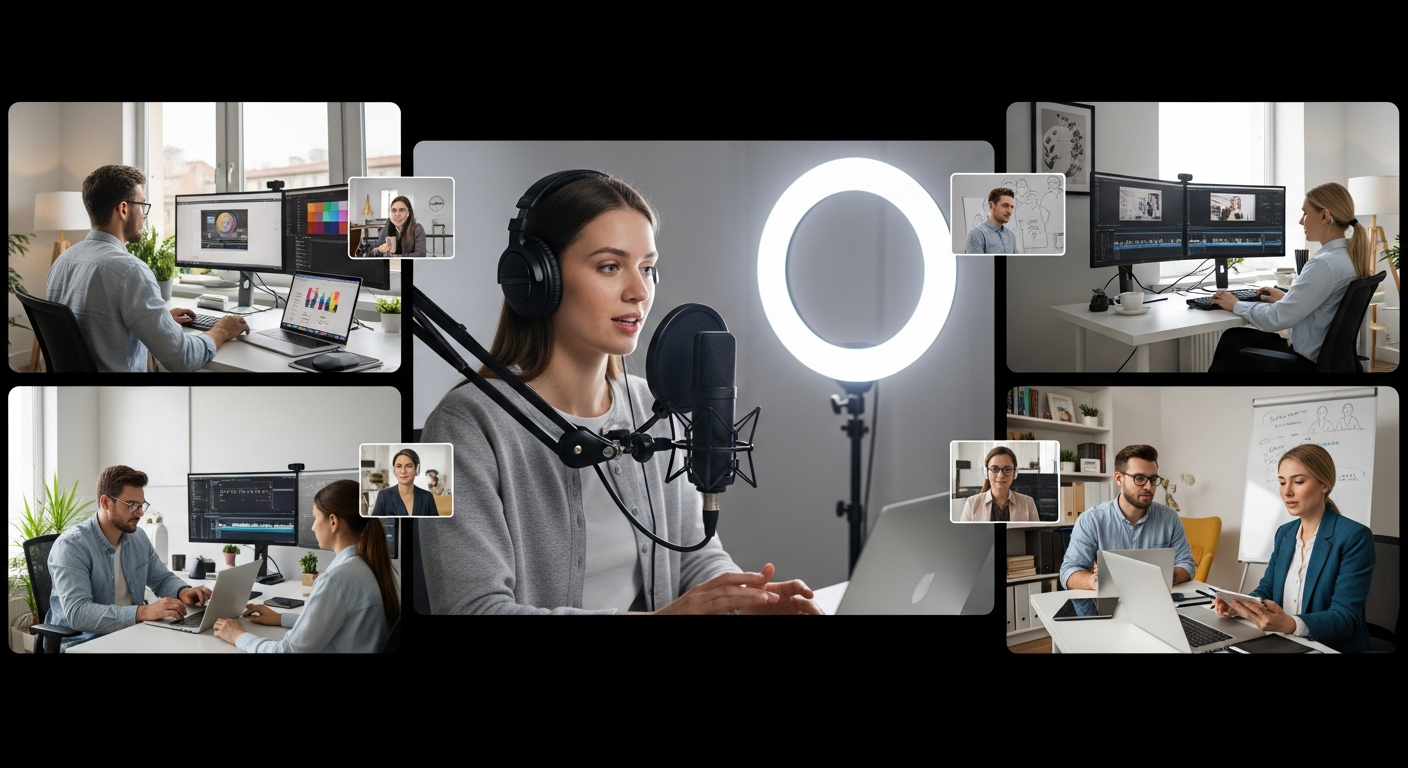
Remote teams are generating more professional content than ever—yet 67% of distributed creators still struggle with audio quality and internet reliability during recordings. The frustration of managing multiple participants across time zones, dealing with dropped connections, and spending hours on post-production has become the norm for many content operations. What once seemed like an unavoidable trade-off between convenience and quality now has a solution.
Riverside.fm has quietly revolutionized how distributed teams approach podcast and video production by capturing high-resolution audio and video directly on each participant's device, delivering crystal-clear 4K footage and uncompressed WAV audio that remains pristine regardless of connection fluctuations. This innovation removes the traditional bottlenecks that plague remote recording—no more compressed files, no more quality degradation from bandwidth limitations, no more hours spent trying to salvage unusable takes.
Discover how Riverside.fm is transforming distributed team production workflows.
Why Distributed Teams Struggle With Traditional Recording Solutions
Internet dependency problems
Video conferencing tools compress audio and video in real-time, creating quality loss and sync issues whenever bandwidth fluctuates. When a participant's connection weakens, the entire recording suffers—audio becomes tinny, video frames drop, and the final output bears little resemblance to what teams hoped to capture. The platform itself becomes the bottleneck, forcing compromises that no amount of post-production can fully correct.
Post-production bottlenecks
Managing multiple compressed files from different participants requires extensive re-recording, editing, and quality restoration. Teams spend disproportionate time trying to synchronize audio tracks, isolate individual speakers, and restore intelligibility to degraded recordings. What should be a straightforward editing process becomes a technical puzzle where the pieces don't quite fit together.
Participant fatigue
Long recording sessions with unreliable connections frustrate team members and reduce content authenticity. When hosts worry about connection drops or struggle with audio feedback, their energy diminishes. The spontaneity and genuine conversation that makes great content disappears, replaced by stilted, careful delivery that feels unnatural to listeners.
Inconsistent quality standards
Different internet speeds across team members result in uneven audio and video quality within single episodes. One host might sound crystal clear while another sounds muffled. This inconsistency undermines professional credibility and forces teams to decide whether to re-record segments or accept lower-quality output.
Time-to-publish delays
Traditional workflows require days of editing before content is shareable across platforms. Teams work through compressed files, restore quality where possible, sync audio tracks manually, and then begin the actual creative editing process. By the time content publishes, momentum has faded and content calendars slip.
Scaling challenges
Adding more participants to remote recordings exponentially increases technical complexity and quality degradation. What works with two hosts becomes unwieldy with three. A panel discussion with five participants becomes a technical nightmare where quality drops with each addition.
The Local Recording Advantage—How Riverside.fm Solves Distributed Production
Device-level capture technology
Each participant's audio and video records locally on their device, bypassing internet constraints entirely. This fundamental architectural difference eliminates the compression problem at its source. Whether someone has a fiber connection or struggling mobile hotspot, their audio and video record at full fidelity on their machine, independent of upload speeds.
Multi-track recording capabilities
Separate audio and video files for each participant enable granular control during editing. Editors can adjust one host's volume independently, remove background noise from a specific speaker, or isolate video from particular angles without affecting other participants. This flexibility transforms post-production from damage control into creative opportunity.
4K video quality maintenance
High-resolution video capture remains uncompressed regardless of connection speed. Teams can deliver premium visual content to platforms that demand it, knowing that quality degrades gracefully rather than catastrophically when bandwidth fluctuates.
Uncompressed WAV audio files
Professional-grade audio in lossless format eliminates the need for audio restoration work. Sound quality matches what professional studios achieve—the difference is that it happens from distributed locations rather than a single room. No noise gates, no compression artifacts, no quality recovery attempts needed.
Automatic synchronization
The platform automatically syncs all local recordings, eliminating manual alignment during post-production. What once required meticulous frame-by-frame synchronization happens automatically, saving hours of technical work that contributors can redirect toward actual creative editing.
Backup redundancy
Local files serve as automatic backups, preventing data loss if internet drops mid-session. Teams don't lose content because someone's connection failed. The recording continues on that participant's device regardless of network status, and files sync once connectivity returns.
Real-time monitoring
Hosts can monitor incoming quality without affecting the recording itself. Technical team members spot issues before they become problems, ensuring that quality checks happen during production rather than after the fact during editing.
AI-Powered Editing Tools That Slash Post-Production Timelines
Magic Editor functionality
Automated video editing assembles raw footage into polished episodes with minimal manual intervention. Rather than spending hours arranging clips, adjusting cuts, and building structure, teams feed their recordings into Magic Editor and receive assembled episodes that capture the narrative arc automatically. Human editors then refine rather than construct from scratch.
Magic Clips feature
Automatically generates short, platform-optimized clips from full recordings for social media distribution. One 90-minute episode becomes a series of 15-second, 30-second, and 60-second clips formatted specifically for TikTok, Instagram Reels, LinkedIn, and YouTube Shorts. Content reach multiplies without requiring separate recording sessions or extensive editing.
Text-based editing interface
Edit audio and video by simply modifying the transcribed text—no traditional video editing skills required. Remove a rambling tangent by deleting it from the transcript, and the corresponding audio and video disappear automatically. Fix a verbal stumble by correcting the text. This approach democratizes editing, allowing non-technical team members to refine content.
AI transcription in 100+ languages
Accurate transcriptions enable global team collaboration and accessibility compliance. Content becomes searchable, quotable, and accessible to deaf and hard-of-hearing audiences. International teams can work together seamlessly when transcriptions arrive in their native languages.
Magic Audio noise reduction
Removes background noise, hum, and unwanted audio artifacts in seconds. The barking dog that interrupted a guest's response, the air conditioning hum from an office, the keyboard clicking—all eliminated without the metallic quality that traditional noise reduction produces. Audio emerges clean without sounding processed.
Automated show notes generation
AI creates structured show notes, timestamps, and speaker identification automatically. Rather than manually noting when each topic was discussed or who said what, the system produces organized, linkable show notes ready for publishing. Timestamps enable listeners to jump directly to segments of interest.
Batch processing capability
Process multiple episodes simultaneously, multiplying efficiency gains across content calendars. Teams producing daily or weekly content don't wait for one episode to finish before starting the next. The system handles parallel processing, compressing weeks of editing into days.
Building Effective Remote Recording Workflows for Team Production
Pre-recording coordination
Setting up participant roles, testing local recording setup, and establishing audio and video baselines before session starts ensures smooth recording. Team members test their equipment, confirm they're recording locally, and verify audio levels before the actual interview or recording begins. This five-minute preparation prevents 30 minutes of troubleshooting mid-session.
Live streaming integration
Simultaneously record locally while streaming to audience, capturing both high-quality archive and live engagement. Audiences watching live experience the genuine moment while teams capture broadcast-quality files for later distribution. Neither capability compromises the other.
Teleprompter functionality
Built-in prompter for hosts eliminates stumbling, retakes, and awkward pauses during distributed recordings. Hosts read talking points naturally without looking away from camera or shuffling papers. Delivery improves while productivity increases since fewer takes are needed.
Mobile app recording
Capture content from remote locations without requiring desktop setup, expanding production flexibility. Reporters can record interviews in the field. Guest experts can participate from coffee shops without needing to sit at desks. The platform adapts to where teams actually work.
Participant onboarding process
Streamlined setup ensures team members can join and record properly without technical support. New contributors receive clear instructions, join calls without confusion, and their recordings are captured with the same quality as veterans. Technical barriers to participation dissolve.
Quality assurance checkpoints
Built-in monitoring during recording catches issues before they compound in post-production. If someone's audio sounds odd or video quality dips, technical team members can identify and potentially address it while recording continues. Prevention beats correction every time.
Archive and asset management
Organized file structure makes finding and repurposing content across team members seamless. Episodes are stored with consistent naming conventions, transcripts, and metadata. Clips can be located months later for anniversary episodes or compilation projects.
Pricing Tiers and ROI for Distributed Content Teams
Free plan economics
Two hours of monthly recording, 720p video, and watermarked exports suit teams testing workflows or running minimal-volume operations. This tier removes financial barriers to experimentation, allowing teams to assess whether the platform matches their needs before paying.
Standard plan ($15-$19/month)
Unlimited recording, 1080p video, and watermark-free exports support growing teams with consistent output. This tier removes the recording time ceiling and delivers quality suitable for professional distribution without premium pricing.
Pro plan ($24-$29/month)
Four-K recording, 15 hours of multi-track capability, and advanced AI features serve serious content operations. This tier opens access to premium video formats and advanced editing automation that justify the investment for prolific teams.
Team and enterprise plans
Custom pricing accommodates organizations managing multiple shows, large participant counts, or requiring dedicated support. These arrangements scale with growing operations rather than forcing teams onto ill-fitting public tiers.
Annual billing discounts
Significant savings apply when committing annually rather than monthly, reducing per-month costs substantially. Teams producing consistent content benefit from locked-in pricing and predictable budgeting.
Cost comparison to traditional studios
Riverside.fm eliminates the need for physical studio rental, engineer hiring, and equipment investment. Studio time costs hundreds per hour. Equipment requires thousands in upfront investment. Hiring engineers adds ongoing salary expenses. The platform achieves professional results without these infrastructure costs.
Time-savings ROI calculation
AI editing tools reduce post-production hours by 60-70%, translating directly to team cost reduction. A team member spending 10 hours weekly on editing suddenly needs only 3-4 hours. Across a year, that's hundreds of hours redirected toward content development, audience building, or strategic work.
Start your free trial and calculate the specific ROI for your team's content production.
Real-World Applications Across Different Team Structures
Podcast networks with multiple hosts
Managing shows with co-hosts across different cities works seamlessly when each host's audio records locally in broadcast quality. Networks scale from single shows to full portfolios without quality variability between episodes or increasing technical overhead.
Corporate communications teams
Producing internal videos, training content, and executive communications from distributed offices removes logistical barriers to content creation. Employees in different locations can contribute without traveling to central studios. Messages reach global workforces quickly without production delays.
Nonprofit storytelling
Capturing donor stories, impact narratives, and advocacy content from geographically dispersed communities becomes feasible for organizations with limited budgets. Remote recording technology democratizes their storytelling ability, allowing authentic voices from the field rather than studio-based narration.
Educational institutions
Recording lectures, interviews, and student projects with consistent quality across campus locations creates accessible learning materials. Professors can document their teaching without specialized equipment. Student-produced content meets professional standards.
Freelance creator collectives
Multiple independent creators collaborating on joint projects bypass expensive studio bookings and geographical limitations. Podcast networks, collaborative YouTube series, and group projects connect creators across regions without requiring in-person sessions.
News and journalism teams
Rapidly producing breaking news content with reporters in the field and anchors in remote locations maintains quality even during chaotic news cycles. Local recording ensures that field reports deliver broadcast-quality audio and video despite challenging environments.
Client-facing production agencies
Delivering white-label podcast and video production services operates without physical infrastructure investments. Agencies scale client capacity without renting additional studio space or purchasing equipment, improving margins while increasing production output.
Potential Limitations and When Riverside.fm Might Not Be the Right Fit
Occasional freezing reports
Some users experience recording interruptions, though local backups prevent data loss. These incidents remain rare and backups ensure no content loss, but organizations requiring 100% uptime assurance should test extensively before full deployment.
AI feature inconsistency
Certain automated editing tools perform variably depending on content type and audio quality. Magic Editor might produce exceptional results for interview-format content while requiring more manual refinement for multi-speaker panel discussions. Teams should test their specific content formats during trials.
Background customization constraints
Limited virtual background options compared to some competing platforms restrict aesthetic customization for teams prioritizing specific visual branding. Organizations requiring extensive background library choices might explore alternatives or accept platform limitations.
Pricing at scale
Heavy usage without annual billing can become expensive for teams producing multiple episodes weekly. Organizations generating daily content benefit significantly from annual plans, but those without production consistency might face higher per-episode costs.
Learning curve for advanced features
While beginner-friendly for basic recording and editing, mastering all AI tools requires some exploration and experimentation. Teams benefit from dedicating time to feature discovery rather than jumping in immediately at advanced settings.
Integration limitations
Not all third-party tools connect seamlessly with Riverside.fm's ecosystem. Organizations with established workflows using specific software should verify integration compatibility before committing.
Storage considerations
Four-K multi-track recordings consume significant cloud storage, requiring plan upgrades for prolific teams. Organizations producing weekly 4K content should calculate storage needs and account for upgrade costs.
Implementation Strategy for Distributed Teams
Pilot program approach
Start with one show or project to test workflows before rolling out platform-wide. This approach identifies friction points within your specific team structure, allows staff to develop proficiency, and builds institutional knowledge before affecting multiple shows or projects.
Team training and documentation
Creating internal guides ensures consistent setup and usage across all participants. Documentation captures your team's specific workflows, equipment configurations, and best practices. New team members reference these guides rather than requiring individual training.
Template creation
Develop standardized recording settings, naming conventions, and editing templates for consistency. Teams moving between projects instantly recognize file structures and recording parameters. Consistency speeds work and reduces decision fatigue.
Integration with existing tools
Connect Riverside.fm with your CMS, podcast hosting, social media scheduling, and analytics platforms. Automation eliminates manual file transfers and uploads, reducing time between recording and publishing.
Feedback loops
Establish regular check-ins with team members to identify workflow improvements and feature adoption barriers. People working directly with the platform daily identify inefficiencies that management might miss. Their input drives meaningful improvements.
Progressive feature adoption
Master basic recording and editing before expanding to advanced AI tools and live streaming. Teams building expertise incrementally avoid overwhelm and develop deep proficiency with core features before exploring advanced capabilities.
Performance monitoring
Track metrics like recording quality, editing time savings, and publication speed to justify investment. Data-driven insights show whether implementation is delivering expected benefits and where additional training or process adjustments help.
Transforming Remote Production From Obstacle Into Competitive Advantage
Distributed teams no longer need to choose between convenience and quality. Riverside.fm's local recording architecture, paired with its intelligent AI editing suite, fundamentally changes what's possible for teams spread across time zones and geographies. You capture broadcast-quality content without the broadcast-level complexity—and you publish faster than teams with physical studios.
The platform shines brightest when your team prioritizes both production speed and output quality, whether managing a multi-host podcast network, producing corporate communications, or running a nonprofit storytelling initiative. Your distributed structure becomes a strength rather than a constraint. Team members in different locations contribute equally without quality variance. Content production accelerates as AI handles technical editing work. Your team focuses on storytelling instead of troubleshooting.
Start with the free plan to test workflows with your specific team structure. Upgrade to Standard for 1080p+ quality needs once you've confirmed the platform integrates well with your processes. Consider the Pro plan once producing multiple shows or leveraging 4K content for premium platforms. The investment justifies itself through time savings alone—the quality improvements are simply bonuses.
Your distributed team deserves tools that work as hard as they do.
Join teams worldwide using Riverside.fm to revolutionize distributed content production.
Leave a Reply