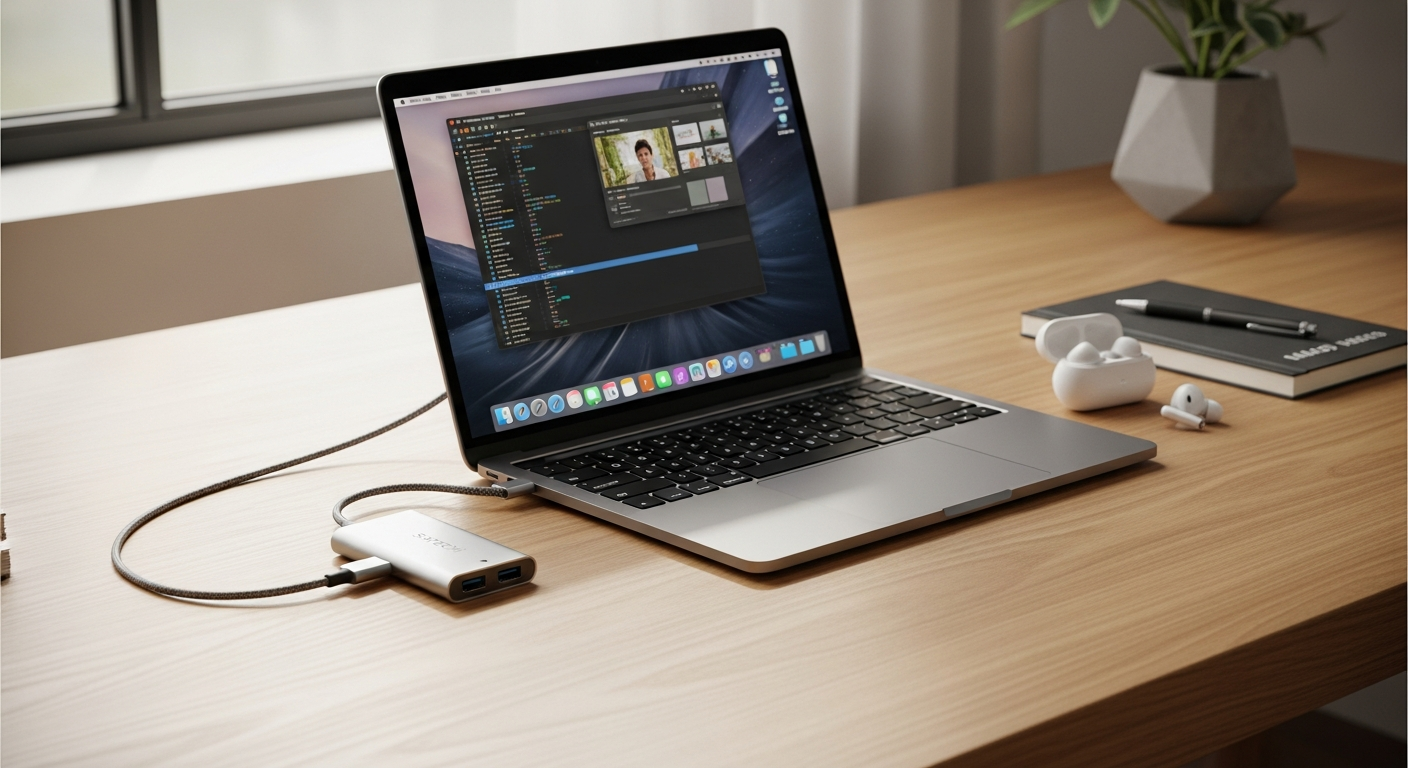
Modern laptops are designed to be slim and portable, but that often means fewer built-in ports. If your daily setup includes an external monitor, keyboard, storage drive, memory card, or wired internet connection, limited connectivity can quickly become inconvenient.
A Satechi USB-C Multiport Adapter can expand a compatible USB-C port into several connections, helping you create a more flexible workstation without carrying multiple individual adapters.
Why a Multiport Adapter Can Simplify Your Setup
A laptop may provide enough connectivity when you’re working independently, but requirements can change once you sit down at a desk.
You might need to connect:
- An external monitor
- A USB keyboard or mouse
- External storage
- SD or microSD cards
- Ethernet
- A charging cable
A multiport adapter brings several of these connections together in one compact device. This can be particularly useful for remote and hybrid workers who frequently move between workspaces.
Connect an External Display With HDMI
Depending on the specific Satechi model, HDMI output can allow you to connect your laptop to a compatible monitor, television, or presentation display.
An additional screen can provide more room for everyday multitasking. You might keep a video meeting on one display while reviewing documents on another or place reference material beside your primary workspace.
Check the adapter’s specifications for its supported HDMI resolution and refresh rate because these vary between models.
Add a Wired Ethernet Connection
Some Satechi multiport adapters include Gigabit Ethernet, giving you the option to connect to a compatible wired network.
Wi-Fi remains convenient for everyday work, but Ethernet can provide a useful alternative when a wired connection is available. This can be particularly practical in home offices, hotels, coworking spaces, and other environments where you want another networking option.
Keep Charging While Using the Hub
USB-C Power Delivery passthrough is another useful feature available on selected Satechi adapters.
Instead of occupying your laptop’s USB-C connection solely with its charger, a compatible adapter may allow power to pass through while its other ports remain available.
Supported charging wattage varies, so compare the adapter’s Power Delivery rating with the requirements of your laptop and charger before purchasing.
Connect USB-A Accessories
USB-A hasn’t disappeared from everyday work. External drives, keyboards, mice, microphones, and other accessories may still use the familiar connection.
Depending on the model, a Satechi adapter can provide one or more USB-A ports for these devices.
Data-transfer speeds also differ between products. If you regularly transfer large files, check the exact USB specification rather than assuming every port provides the same performance.
Transfer Files From Memory Cards
Photographers, videographers, and other content creators may benefit from adapters featuring SD and microSD card readers.
Integrated readers can reduce the need to carry a separate card reader when importing images, videos, and other files.
Again, card-reader availability and specifications depend on the exact Satechi model you’re considering.
Designed With Portability in Mind
A multiport adapter can be especially useful if your workspace changes throughout the week.
Satechi is known for offering compact adapters with aluminum housings that complement many modern laptops. Their relatively small form factor can make them easier to carry in a laptop bag alongside your charger and other accessories.
This portability can benefit:
- Remote workers
- Hybrid employees
- Digital nomads
- Designers and editors
- Photographers
- Students and presenters
Check Compatibility Before Buying
Not every USB-C port supports the same capabilities, and Satechi offers multiple adapter configurations.
Before choosing one, compare your laptop and adapter specifications for:
- USB-C compatibility
- Display support
- Maximum HDMI resolution
- Power Delivery wattage
- USB data-transfer speeds
- Ethernet availability
- SD and microSD support
Checking these details can prevent you from paying for connections you don’t need or choosing a hub that doesn’t support an important part of your workflow.
Build a More Flexible Workspace
The Satechi USB-C Multiport Adapter can provide a convenient way to expand connectivity without filling your bag or desk with individual dongles.
The best configuration depends on the equipment you actually use. If your workday involves an external display, wired network, USB accessories, memory cards, or pass-through charging, look for a Satechi model that provides those specific connections.
With the right port combination, one compact adapter can make moving between home, office, and mobile workspaces considerably easier.
Leave a Reply