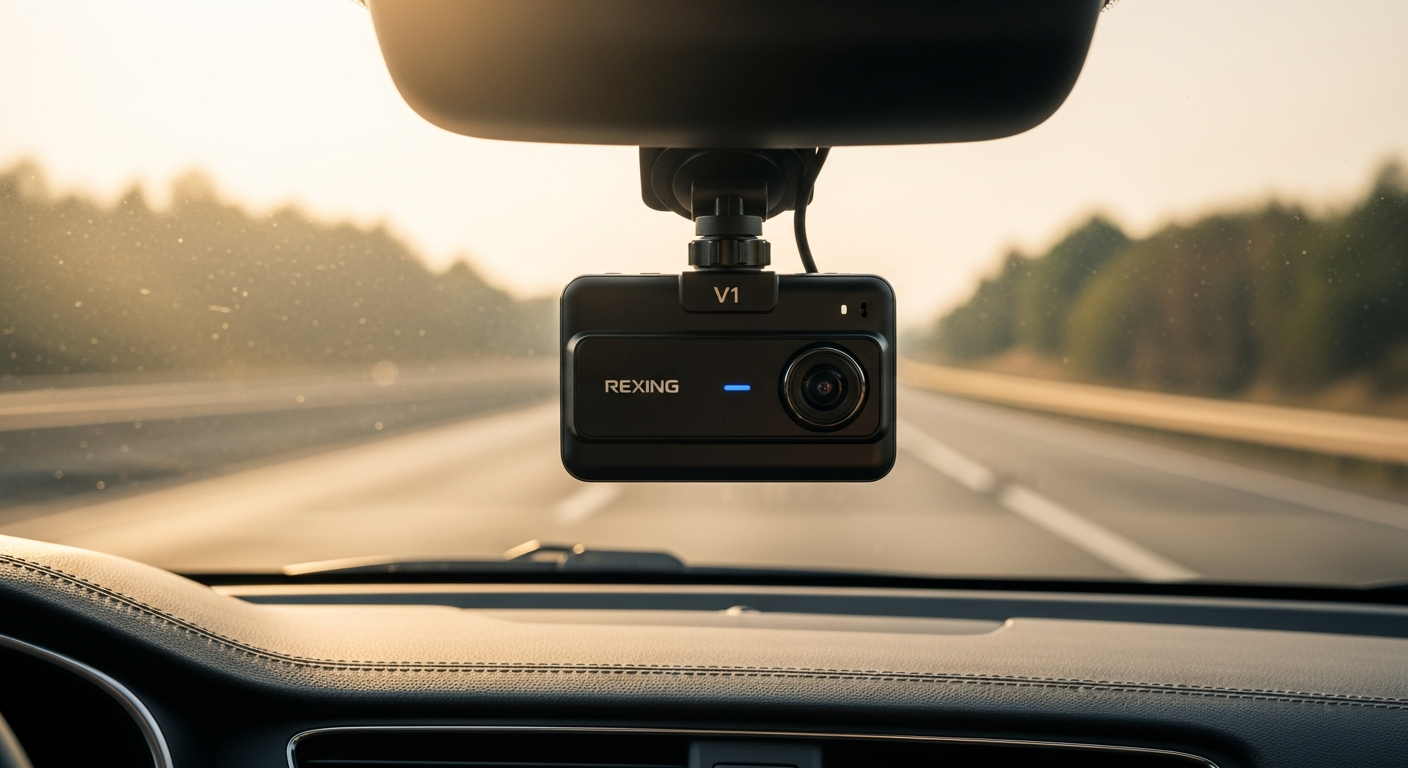
A dash cam can provide a video record of what happens during a drive, but choosing one involves more than looking at resolution alone. Recording quality, storage, connectivity, viewing angle, and your typical driving conditions can all influence which model makes sense.
The Rexing V1 series includes different configurations, from Full HD options to higher-resolution models. Understanding the differences can help you avoid paying for features you won’t use—or overlooking ones that matter to your routine.
Start With Recording Resolution
One of the biggest differences across the V1 lineup is video resolution.
A 1080p model may be sufficient if you mainly want straightforward footage of everyday commutes. Higher-resolution options such as the V1-4K capture more image detail, which can be useful when reviewing smaller objects within a recording.
However, resolution isn’t the only factor affecting video clarity. Lighting, vehicle movement, camera position, weather, and distance can all influence what appears in the footage.
Consider Your Driving Conditions
Think about when and where you spend most of your time behind the wheel.
Consider factors such as:
- Daytime versus nighttime driving
- Urban or rural roads
- Highway commuting
- Local temperature extremes
- Frequency of long-distance trips
- Professional versus personal vehicle use
The source material highlights supercapacitor technology on certain V1 configurations. Supercapacitors are commonly used in dash cams as an alternative to internal rechargeable batteries, particularly where temperature tolerance is important.
Always check the specified operating-temperature range of the exact model you’re considering.
Look at the Field of View
Some Rexing V1 models feature a 170-degree field of view, designed to capture a broad section of the road ahead.
A wider viewing angle can help include neighboring lanes and roadside activity within the frame. However, camera placement remains important.
Mount the camera according to the manufacturer’s instructions so it captures a useful view without unnecessarily obstructing the driver’s vision.
Understand G-Sensor and Loop Recording
Two practical features to look for are loop recording and a G-sensor.
Loop recording allows the camera to continue recording after the memory card fills by replacing older, unprotected footage.
The G-sensor is designed to detect sudden movement or impacts and can protect associated recordings from routine overwriting.
It’s still a good idea to save important footage separately as soon as practical rather than relying exclusively on automatic file protection.
Check Storage Requirements
Rexing V1 cameras use microSD storage, and supported capacities can vary by model.
Higher resolutions generally create larger files, meaning a 4K camera may consume available storage more quickly than a 1080p model.
Before buying a card, check:
- Maximum supported capacity
- Recommended speed class
- Formatting requirements
- Estimated recording time
- Whether a card is included
Using a compatible card can help reduce recording and file-management problems.
Consider Wi-Fi and Smartphone Access
Selected V1 models provide Wi-Fi connectivity for use with a compatible Rexing mobile app.
This can make it easier to view or transfer footage without repeatedly removing the memory card.
App functionality and compatibility can change, so check current requirements for your smartphone and the specific camera model.
Decide Whether You Need GPS
GPS functionality may be built into some dash cams or available through an optional accessory, depending on the model.
GPS can add information such as location or speed to your trip records. If this feature matters to you, confirm whether the camera includes the required hardware or needs an additional GPS component.
Don’t Forget Nighttime Performance
High resolution doesn’t guarantee perfect nighttime footage.
Street lighting, headlights, windshield reflections, weather, and camera position can significantly affect low-light recordings. If you regularly drive after dark, look beyond the resolution number and review the specific model’s low-light capabilities.
Proper placement can also help minimize dashboard reflections and other distractions in the recording.
Choose Based on Features You Will Use
When comparing Rexing V1 models, focus on your actual driving routine rather than automatically choosing the highest specification.
A straightforward Full HD configuration may cover the needs of an everyday commuter, while drivers who prioritize additional image detail may prefer a higher-resolution model.
Before purchasing, verify the current specifications, compatible memory cards, operating-temperature range, Wi-Fi features, GPS requirements, and included accessories.
The right Rexing V1 Dash Cam is ultimately the one whose features match your vehicle, driving conditions, and recording priorities.
Leave a Reply