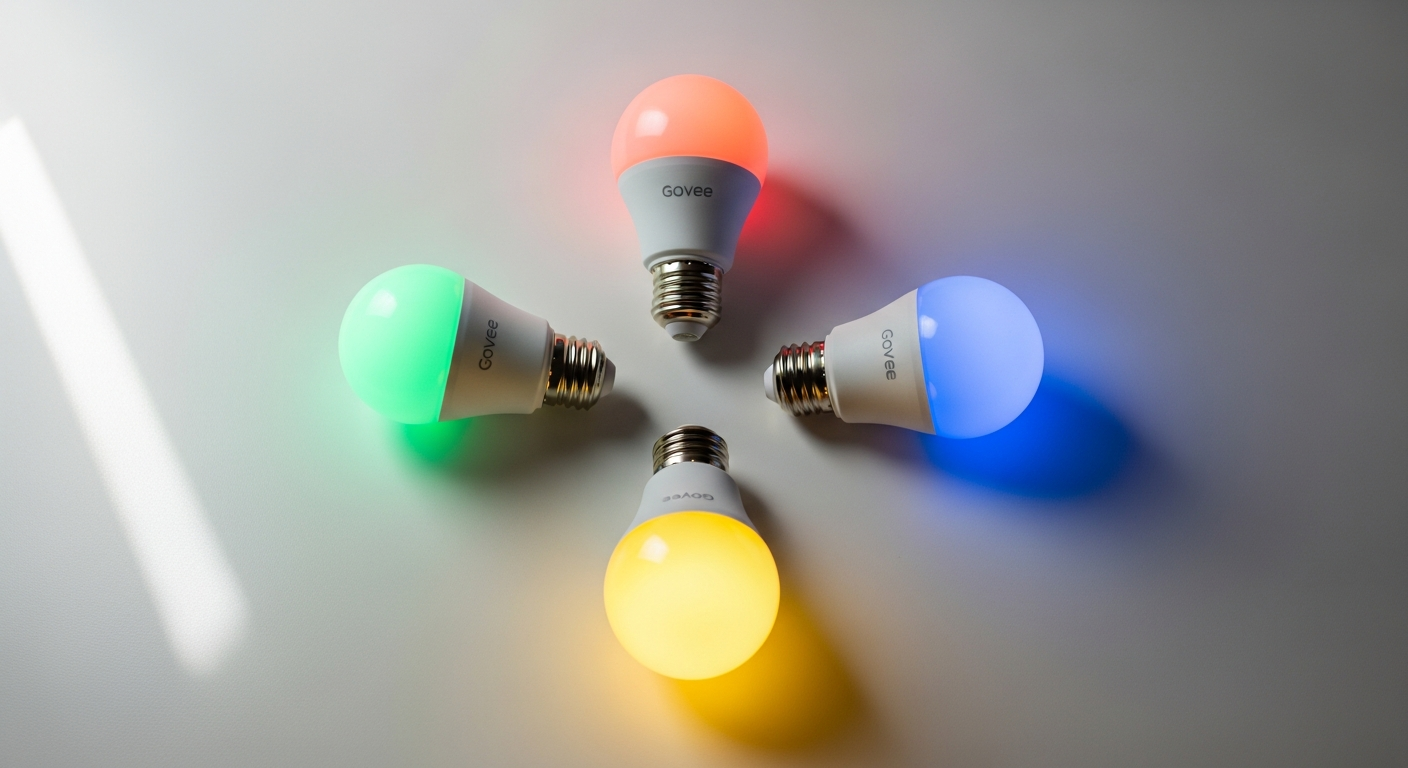
Smart bulbs can do much more than turn lights on and off from your phone. They can change colors, adjust brightness, follow schedules, and work alongside compatible smart-home platforms.
The Govee Smart Light Bulbs 4-Pack brings several of these features together in a package suited to bedrooms, living rooms, entertainment spaces, and other areas where you want greater control over everyday lighting.
Before purchasing, check the specifications for the exact Govee model you’re considering, as connectivity and compatibility can vary across the company’s smart bulb lineup.
Explore Millions of Color Options
Color customization is one of the main reasons to choose RGB smart bulbs instead of conventional LED lighting.
The Govee bulbs highlighted here support a spectrum of up to 16 million colors, giving you plenty of room to change the appearance of a space.
You might choose warmer lighting for a relaxed evening, brighter illumination while working, or colorful combinations when entertaining guests.
Brightness adjustment adds another layer of flexibility. Instead of relying on one fixed output, you can change the light level to suit different activities and times of day.
Create Scenes in the Govee Home App
The Govee Home app serves as the primary control center for compatible bulbs.
Depending on the model and current app features, you may have access to preset scenes, customizable colors, brightness controls, schedules, and dynamic effects.
This can make it easier to create lighting for different situations, such as:
- Watching movies
- Gaming
- Reading or working
- Entertaining guests
- Relaxing in the evening
- Adding decorative accent lighting
Saving preferred settings can also reduce the need to manually recreate the same colors whenever you want a particular atmosphere.
Connect Through Wi-Fi and Bluetooth
The source describes the bulbs as offering Wi-Fi and Bluetooth connectivity.
Bluetooth can provide nearby control through a compatible device, while Wi-Fi can support connected features such as remote operation and smart-home integration.
Actual capabilities depend on the bulb model, network configuration, app version, and connected platform.
Before buying, confirm the required Wi-Fi frequency and other network requirements. This is especially important if you’re adding the bulbs to an existing smart-home system.
Use Compatible Voice Assistants
Smart lighting becomes particularly convenient when paired with voice controls.
Compatible Govee bulbs can work with supported voice-assistant ecosystems, allowing you to perform basic lighting tasks without opening the app.
Depending on your setup, you may be able to:
- Turn lights on or off
- Change brightness
- Select colors
- Control designated rooms or groups
Available commands can vary by device and platform, so check current compatibility before building your setup around a particular voice assistant.
Consider Matter Compatibility
Matter is designed to make compatible smart-home devices easier to use across different ecosystems.
The source identifies Matter support as one of the features of these Govee bulbs. For households already using Matter-compatible equipment, that can provide additional options for integrating lighting into a broader connected-home setup.
However, Matter support shouldn’t be assumed across every Govee bulb carrying a similar name.
Check the exact model number and current product specifications to make sure the version you’re purchasing supports the platforms you intend to use.
Add Color to Entertainment Spaces
RGB lighting can work particularly well around televisions, gaming desks, and other entertainment areas.
You can use different colors to complement your room or create a more dramatic atmosphere during games and movies.
Some Govee products also offer music-responsive or entertainment-focused effects. Keep in mind that advanced synchronization features may require particular models, apps, accessories, or other Govee hardware.
Don’t assume every bulb can automatically synchronize with on-screen content simply because it supports RGB effects.
Plan Your Smart Bulb Setup
Before replacing several conventional bulbs, make sure the smart bulbs are appropriate for your fixtures.
Check:
- Bulb base and dimensions
- Fixture compatibility
- Brightness specifications
- Color-temperature range
- Connectivity requirements
- Matter and voice-assistant support
- App requirements
Also review whether the bulbs are suitable for enclosed fixtures or other specialized locations.
Bring More Flexibility to Everyday Lighting
The Govee Smart Light Bulbs 4-Pack can be an appealing option if you want customizable lighting with app-based controls and smart-home connectivity.
Their combination of RGB colors, adjustable brightness, Wi-Fi and Bluetooth control, and supported smart-home integrations gives you more flexibility than a standard light bulb.
Before ordering, verify the current specifications, package contents, model number, price, and platform compatibility. Choosing the right version helps ensure the bulbs fit both your fixtures and the smart-home ecosystem you already use.
Leave a Reply