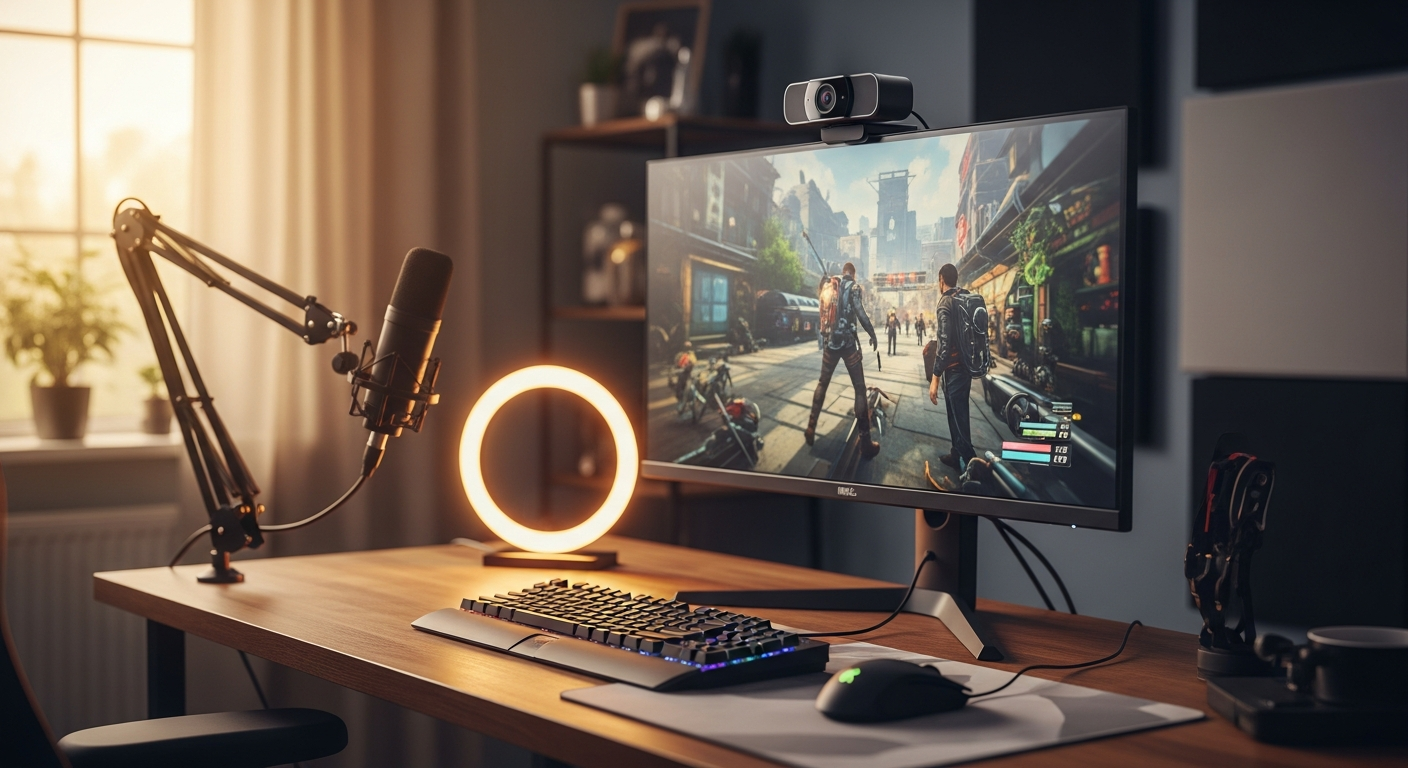
Imagine streaming for hours without manually adjusting your camera angle once. Ninety percent of content creators struggle with framing consistency, constantly fighting the urge to reposition their setup or accept mediocre shots. The barrier between amateur and professional often comes down to one thing: whether your audience sees you or sees your setup struggling to keep up.
The OBSBOT Tiny 2 isn't your standard webcam. This AI-powered 4K device combines mechanical gimbal technology with deep learning algorithms to deliver professional-grade video capture in a package smaller than most smartphone chargers. What makes it different from a dozen other "smart" cameras is that it actually delivers on automation promises without feeling gimmicky or requiring constant tweaking.
Check out the OBSBOT Tiny 2 and experience AI-powered streaming yourself.
AI-Powered Tracking That Actually Works (Not Just Marketing Hype)
The real magic happens when you turn on the Tiny 2's tracking system. A 2-axis gimbal physically moves the camera while neural network algorithms determine where you are in the frame and whether you're moving. This isn't software zoom cropping your footage—the camera itself tilts and pans to keep you centered, which preserves the full 4K resolution and creates that cinematic "someone's operating this camera" feel.
Five Distinct Tracking Modes for Every Scenario
The device ships with five dedicated tracking modes. Head and shoulders mode keeps your face and upper torso centered, perfect for desk streaming. Upper body mode widens the frame to show more of your workspace. Lower body mode captures your full seated position if you're at a desk. Headless mode tracks your entire body without locking onto your head, useful for fitness content or full-body demonstrations. Custom zone tracking lets you designate any area of the frame to follow—imagine keeping a whiteboard or product in focus while you move around.
Real-World Performance: How It Handles the Chaos of Live Streaming
During extended testing, the Tiny 2 handled rapid head movements with impressive smoothness. Sudden scene changes—like when I turned to grab something off-camera—registered within about half a second. The gimbal doesn't jerk or overcorrect; it smoothly transitions to reframe the new subject. Multiple subjects proved trickier. The tracking algorithm prioritizes the closest face or the one it detected first, so it won't split attention between two people without manual intervention. For solo creators, this limitation is irrelevant.
Hands-Free Control Through Gesture and Voice Commands
Gesture commands work surprisingly well. A peace sign stops tracking. A thumbs up triggers zoom in. A flat hand triggers zoom out. Voice commands handle the heavier lifting—you can say "start tracking," "stop tracking," "zoom in," or "zoom out" without touching anything. The microphone picks these up from across a desk, though noisy environments can cause false positives. Gesture recognition occasionally misinterprets hand movements during animated talking, but it's forgiving enough that accidental triggers are rare.
Automatic Zoom That Keeps You Framed
As you move closer to or farther from the camera, the Tiny 2 automatically adjusts zoom to maintain ideal framing. This eliminates the common problem where streamers end up either nose-to-camera or too small to see clearly. The zoom adjustment feels natural, not jarring, and preserves video quality since it's optical rather than digital cropping.
4K Video Quality in Compact Form: Breaking Down the Specs
Why the 1/1.5-Inch CMOS Sensor and 50-Megapixel Resolution Matter
Sensor size directly correlates with light capture ability. A 1/1.5-inch CMOS sensor is substantial for a device this small—it's closer to what you'd find in higher-end phones than budget webcams. The 50-megapixel resolution means the device captures enormous detail, then intelligently downsamples to 4K or 1080p. This approach preserves fine details in hair, textures, and background elements that would otherwise blur or pixelate.
F/1.9 Aperture and Low-Light Streaming Performance
The f/1.9 aperture opens wide to capture more light. I tested this in a deliberately dim home studio with only ambient window light. The Tiny 2 produced images with visible detail, natural color grading, and manageable noise levels. Traditional webcams at f/2.8 or narrower would've turned the same scene into a murky, noise-filled mess. For creators who stream during evening hours or in rooms without professional lighting, this aperture advantage is genuinely noticeable.
4K at 30fps Versus 1080p at 60fps: Choosing the Right Setting
4K at 30fps delivers stunning visual quality but demands more bandwidth and processing power. Platforms like Twitch have bitrate limits that make 4K streaming challenging for most creators. Consequently, 1080p at 60fps often makes more practical sense—60fps creates buttery smooth motion that looks professional, and 1080p compresses well without noticeable quality loss to viewers. The choice depends on your platform and internet speed rather than the camera's capabilities.
All-Pixel Auto Focus and Sharpness During Movement
All-Pixel Auto Focus technology means every pixel on the sensor contributes to focus calculations rather than sampling a specific area. The result is rapid, accurate focusing even during quick head turns or when your distance from the camera changes. During fast-paced gaming streams where I moved between looking at monitors and the camera, focus hunting was nearly nonexistent.
The Portability Factor: Why Size Matters for Modern Creators
Dimensions and Weight That Enable Real Mobility
At 2.4 by 1.9 by 1.7 inches and 96 grams, the Tiny 2 weighs less than a full can of soda. You can actually pocket this camera or slip it into a bag's side pocket without noticing it's there. Compare this to traditional streaming setups where moving your camera means unplugging cables, unscrewing tripod mounts, and hoping everything reassembles correctly at your destination.
Premium Carrying Case Included in the Box
The included case is genuinely thoughtful—it's not a generic pouch but a custom-molded shell that holds the camera, USB-C cable, and documentation. The interior padding keeps everything secure during travel. This case transforms the Tiny 2 from "I could take this" to "I'm actually comfortable traveling with this."
USB-C Connectivity and Streamlined Cable Management
USB-C simplifies connections. Unlike older USB-A webcams, the cable is reversible and increasingly standard across devices. The included cable is reasonably short—about 5 feet—so it won't create tangled messes on your desk. If you need more cable length for repositioning, standard USB-C cables work perfectly.
Travel-Friendly Design for Multi-Location Creators
Content creators who record in different locations—whether that's a home studio, a coworking space, a coffee shop, or a client's office—benefit enormously from portability without compromising quality. The Tiny 2 eliminates the choice between traveling light and maintaining production standards.
Discover the OBSBOT Tiny 2 and upgrade your streaming setup today.
Real Strengths That Justify the Hype
The Tiny 2's compact design genuinely doesn't sacrifice performance. You're getting features that would normally require a $500+ camera setup—gimbal controls, automatic tracking, 4K capture—in a device the size of a small action camera. The combination of mechanical pan and tilt controls with AI automation means you have both manual override capability and hands-free automation. During extended streaming sessions, I found the tracking reliable and accurate. The gimbal occasionally needs recalibration if you bump it, but that takes 10 seconds. Hands-free operation through voice and gesture commands reduces fatigue during long recording sessions where manually adjusting framing becomes tedious.
The Honest Limitations You Should Know About
The premium price point—$299 to $329—creates a significant barrier for budget-conscious creators. If you're just starting out, this is a substantial investment before you've proven your streaming concept works. The microphone quality doesn't match the video performance. The two omnidirectional microphones are perfectly serviceable for a quick call, but serious streamers should budget for an external microphone. The field of view is narrower than some traditional webcams, which matters if you want to show a wide workspace. Finally, tracking occasionally struggles with extreme backlighting or highly reflective surfaces—if sunlight is hitting your face directly while your background is dark, the camera can lose tracking momentarily.
Who Should Actually Buy the OBSBOT Tiny 2?
Solo streamers and content creators who genuinely value production quality should consider this camera. Podcasters and video bloggers who need professional framing without hiring a camera operator find massive value here. Remote professionals conducting high-stakes video calls benefit from looking polished and properly framed. Travel-focused creators who need studio-quality setup portability essentially get a professional streaming rig in their backpack. Gaming streamers wanting to showcase gameplay plus face cam simultaneously get reliable subject tracking that keeps their face visible without constant manual adjustment.
The Verdict: Where the OBSBOT Tiny 2 Fits in Your Creator Toolkit
The OBSBOT Tiny 2 delivers on its promise of AI-powered automation without the bloat of unnecessary features. I've watched this webcam keep me perfectly framed through hour-long streams, adjust zoom as I moved closer to the desk, and handle rapid head movements with impressive smoothness. The 4K video quality is genuinely stunning—colors pop, details remain sharp even in dimly lit home studios, and the dynamic range handles mixed lighting better than cameras twice its size.
Where it truly shines is for creators who stream solo and value production quality. You're essentially paying for a personal camera operator who never gets tired, never misses a shot, and fits in your pocket. The $299-$329 investment makes sense if you're serious about streaming—it's professional-grade equipment at a price point that doesn't require venture capital. The Tiny 2 won't revolutionize streaming overnight, but it will eliminate one of the biggest production headaches creators face: keeping themselves properly framed. That alone is worth serious consideration.
Get your OBSBOT Tiny 2 now and start streaming like a professional.
Leave a Reply