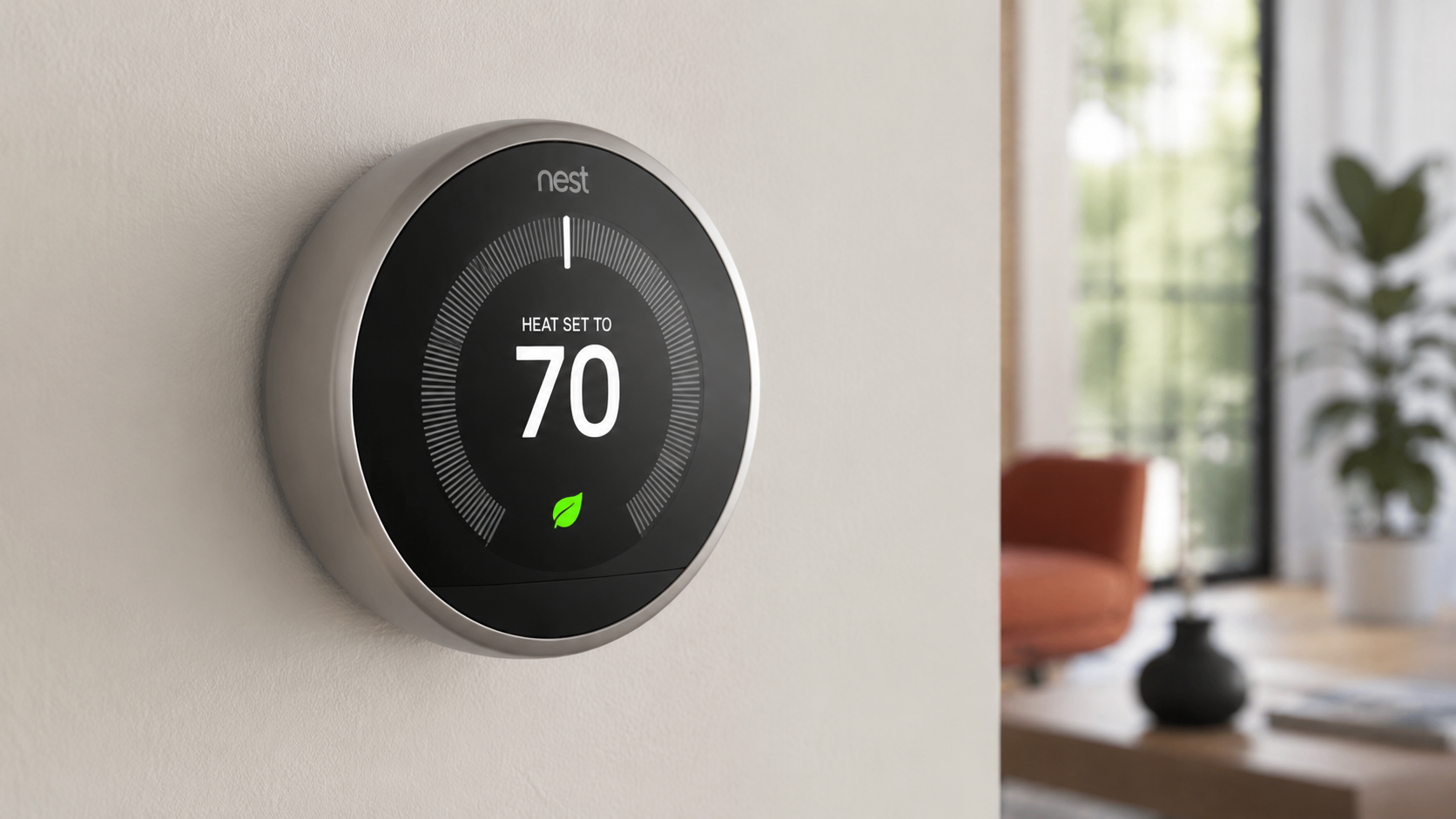
Managing your home’s temperature has become much easier with smart technology.
Instead of manually adjusting the thermostat throughout the day, many homeowners now prefer devices that can automatically adapt to their routines.
One of the best-known options in this category is the Google Nest Learning Smart Thermostat, which combines intelligent scheduling, remote access, and energy-saving features into a single device.
The Google Nest Learning Smart Thermostat is designed to learn your preferred temperatures over time.
After observing your daily adjustments, it creates a personalized schedule that helps keep your home comfortable while reducing unnecessary heating or cooling.
It also connects with compatible smart home systems, making it convenient to control your home’s climate from almost anywhere using a smartphone or voice assistant.
If you’re looking for a smart thermostat that focuses on convenience, automation, and energy efficiency.
This guide explains everything you should know before making your decision.
What Is the Google Nest Learning Smart Thermostat?
The Google Nest Learning Smart Thermostat is a Wi-Fi-enabled smart thermostat developed by Google.
Unlike traditional programmable thermostats that require manual scheduling, this device learns from your daily habits and automatically creates temperature schedules based on your routine.
Its goal is simple: maintain comfort while helping reduce unnecessary energy usage whenever possible.
Many homeowners install it as part of a larger smart home ecosystem because it works with compatible smart speakers, displays, and home automation platforms.
Key Features
Learning Schedule
One of the thermostat’s biggest features is its ability to learn your preferred temperatures.
Instead of spending time creating schedules, you simply adjust the temperature normally during the first several days.
The thermostat records those preferences and automatically builds a schedule that matches your routine. Over time, it continues making adjustments as your habits change.
Auto-Away Mode
When the thermostat detects that nobody is home, it can automatically switch to an energy-saving temperature.
This helps avoid heating or cooling an empty house while keeping the home comfortable when you return.
Remote Control
Using the Google Home app, you can control the thermostat from almost anywhere with an internet connection.
You can:
- Change the temperature
- Switch heating or cooling modes
- View current indoor temperature
- Adjust schedules
- Receive alerts
This feature is especially useful if plans change unexpectedly.
Energy History
The thermostat provides reports showing how long your heating and cooling systems operated each day.
These insights help homeowners better understand their energy usage and identify opportunities to improve efficiency.
Smart Home Integration
The Google Nest Learning Smart Thermostat works with many compatible smart home products.
Examples include:
- Google Home
- Google Assistant
- Smart displays
- Compatible HVAC systems
Voice commands can simplify everyday temperature adjustments without needing to touch the thermostat.
Farsight Display
When someone approaches, the thermostat’s display automatically lights up.
Depending on the settings, it may show:
- Current temperature
- Weather
- Clock
- Target temperature
The bright display remains easy to read from across the room.
Benefits of Using the Google Nest Learning Smart Thermostat
Improved Convenience
The thermostat gradually learns your preferences, reducing the need for constant manual adjustments.
After setup, many daily temperature changes happen automatically.
Better Energy Management
Heating and cooling often represent one of the largest portions of household energy use.
By adjusting temperatures only when needed, the thermostat may help reduce unnecessary HVAC operation.
Actual savings vary depending on:
- Home insulation
- Climate
- HVAC efficiency
- Household routines
Comfortable Home Environment
Automatic scheduling helps maintain consistent temperatures throughout the day.
Instead of constantly remembering to change settings, the thermostat handles many adjustments automatically.
Smartphone Access
Being able to adjust your home’s temperature remotely adds flexibility.
For example, you can:
- Warm the house before arriving home
- Lower cooling while away
- Check thermostat status during vacations
Software Updates
Google periodically provides software improvements that may introduce new features, security enhancements, or performance improvements.
Installation
Installation varies depending on your home’s HVAC system.
Typical installation steps include:
- Turn off HVAC power.
- Remove the existing thermostat.
- Label thermostat wires.
- Install the Nest base.
- Connect compatible wiring.
- Attach the thermostat display.
- Restore power.
- Complete setup using the Google Home app.
Some homes may require a C-wire or compatible power solution depending on the HVAC system.
If you’re unsure about compatibility, consulting an HVAC professional is recommended.
Compatibility
Before purchasing, confirm compatibility with your heating and cooling system.
The Google Nest Learning Smart Thermostat works with many systems, including:
- Forced air
- Heat pumps
- Radiant systems
- Conventional heating
- Central air conditioning
Compatibility can vary depending on wiring and equipment configuration.
Everyday Use
Once installed, using the thermostat is straightforward.
You can:
- Rotate the outer ring to change temperature.
- Use the Google Home app remotely.
- Create custom schedules.
- Enable energy-saving settings.
- Receive maintenance alerts.
- Review usage history.
The learning function becomes increasingly accurate after several days of regular use.
Who Should Consider the Google Nest Learning Smart Thermostat?
This smart thermostat may be a good fit for:
- Homeowners interested in smart home technology
- Families with regular daily schedules
- People looking for automated temperature control
- Frequent travelers
- Remote workers
- Anyone seeking improved HVAC management
Potential Considerations
While the Google Nest Learning Smart Thermostat offers many helpful features, there are a few points to keep in mind.
Initial Cost
Smart thermostats generally cost more than traditional programmable thermostats.
However, many users value the added automation and convenience.
HVAC Compatibility
Older HVAC systems may require additional accessories or professional installation.
Always verify compatibility before purchasing.
Wi-Fi Connection
Many smart features depend on a stable internet connection.
Basic thermostat functions remain available even if internet service is temporarily unavailable.
Tips for Getting the Best Experience
To maximize performance:
- Allow the thermostat time to learn your routine.
- Avoid making frequent manual schedule changes during the learning period.
- Keep software updated.
- Review Energy History regularly.
- Use Auto-Away mode when appropriate.
- Pair it with compatible smart home devices if available.
Frequently Asked Questions
Does the Google Nest Learning Smart Thermostat require Wi-Fi?
Wi-Fi is needed for remote access, software updates, app control, and several smart features. Basic temperature control continues to work locally.
Can it help reduce energy usage?
It may help reduce unnecessary heating and cooling by automatically adjusting temperatures based on your habits and occupancy. Actual results depend on your home, climate, and HVAC system.
Can I control it with my phone?
Yes. The Google Home app allows you to monitor and adjust your thermostat remotely.
Does it work with voice assistants?
Yes. It supports voice control through Google Assistant on compatible devices.
Is professional installation required?
Many homeowners install it themselves, while others prefer professional installation, especially if their HVAC wiring is more complex.
Why Many Homeowners Choose the Google Nest Learning Smart Thermostat
The Google Nest Learning Smart Thermostat combines intelligent scheduling, remote access, energy monitoring, and smart home integration in one sleek device.
By learning your daily routine and adjusting temperatures automatically, it helps simplify home climate control while supporting efficient HVAC operation.
Before purchasing, verify compatibility with your existing heating and cooling system and review the installation requirements.
For many households, this smart thermostat can provide added convenience, personalized comfort, and practical energy management without requiring constant manual adjustments.
Leave a Reply