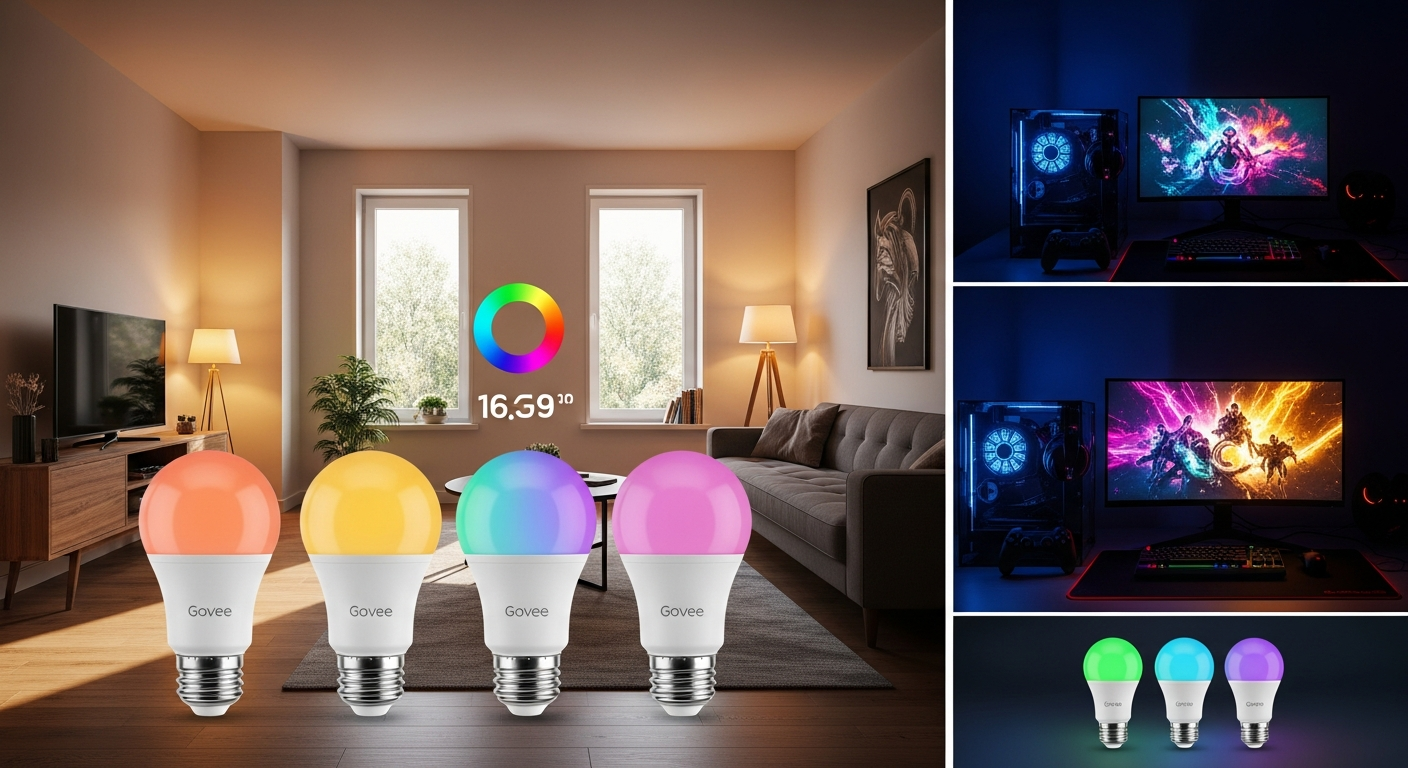
Lighting can change the atmosphere of a gaming room, music space, or home entertainment area without requiring a complete redesign.
The Govee Smart Light Bulbs 4-Pack combines customizable colors with connected controls, giving you more ways to adapt your room to different activities.
Whether you’re gaming, listening to music, watching movies, or relaxing, these smart bulbs can provide more flexibility than conventional fixed-color lighting.
Add Music-Responsive Lighting
One of the entertainment-focused features highlighted for these bulbs is music synchronization.
Through compatible Govee Home app features, lighting can react to sound picked up by the device being used for music mode. This can create changing colors and effects that accompany music playing in your room.
The experience can work particularly well during:
- Parties and gatherings
- Gaming sessions
- Music listening
- Home workouts
- Casual entertainment
Available music modes and customization settings can vary by bulb model and app version, so check the current specifications for the exact product you’re considering.
Experiment With Different Colors
The bulbs offer access to a broad RGB color range, with the source describing up to 16 million colors.
That gives you plenty of options for changing the appearance of an entertainment space.
For gaming, you might select colors inspired by the environment of the game you’re playing. Movie nights can use softer background lighting, while music sessions may work well with more dynamic colors.
You can also adjust brightness rather than relying on a single intensity.
Create Scenes for Different Activities
Constantly adjusting individual bulbs can become inconvenient, particularly when several lights are installed in the same room.
Custom scenes can simplify the process.
Depending on the available app features, you may be able to save combinations of colors, brightness levels, and effects for activities such as gaming, movies, music, or relaxing.
Instead of rebuilding your preferred setup every time, you can return to a saved configuration more quickly.
Use the Govee Home App
The Govee Home app acts as the main control point for compatible bulbs.
Depending on your model, the app may provide access to:
- Color selection
- Brightness adjustment
- Music modes
- Preset scenes
- Custom effects
- Schedules
- Device grouping
Grouping is particularly useful with a four-pack because it can allow several bulbs to behave as one lighting zone rather than requiring individual adjustments.
Add Voice Control
Compatible Govee bulbs can also integrate with supported voice-assistant platforms.
Once properly connected, voice commands may let you turn lights on or off, adjust brightness, or select colors without reaching for your phone.
This can be convenient during gaming or movie sessions when you don’t want to interrupt what you’re doing just to change the lighting.
Available commands and integrations vary, so confirm compatibility with your preferred smart-home platform before purchasing.
Position Your Bulbs Strategically
You don’t necessarily need every bulb in one ceiling fixture.
Spreading the four bulbs across different fixtures can create layers of light around an entertainment area. You might place them in ceiling fixtures, floor lamps, table lamps, or other compatible locations.
Before installation, verify:
- Bulb base and fixture compatibility
- Required Wi-Fi network
- App compatibility
- Voice-assistant support
- Brightness specifications
- Whether the fixture is suitable for smart LED bulbs
Avoid assuming that every Govee smart bulb supports identical entertainment features simply because the products look similar.
Don’t Expect Automatic Game Synchronization
Music-responsive lighting shouldn’t be confused with direct synchronization to everything happening on your screen.
Some advanced Govee entertainment systems may use additional hardware or specific software to coordinate lighting with on-screen content.
A standard smart bulb shouldn’t automatically be expected to recognize an explosion, game environment, or movie scene and reproduce those colors without the necessary compatible system.
Check what’s included with the exact bulb package before purchasing additional equipment.
Give Your Entertainment Space More Personality
The Govee Smart Light Bulbs 4-Pack can be an interesting addition if you want lighting that does more than simply illuminate a room.
Color customization, adjustable brightness, music-responsive modes, saved scenes, app controls, and compatible voice commands provide plenty of ways to personalize a gaming or entertainment setup.
Before buying, verify the current model number, specifications, socket type, connectivity requirements, app features, package contents, and smart-home compatibility. With the right setup, these bulbs can provide an easy way to make your entertainment space feel more adaptable and personal.
Leave a Reply