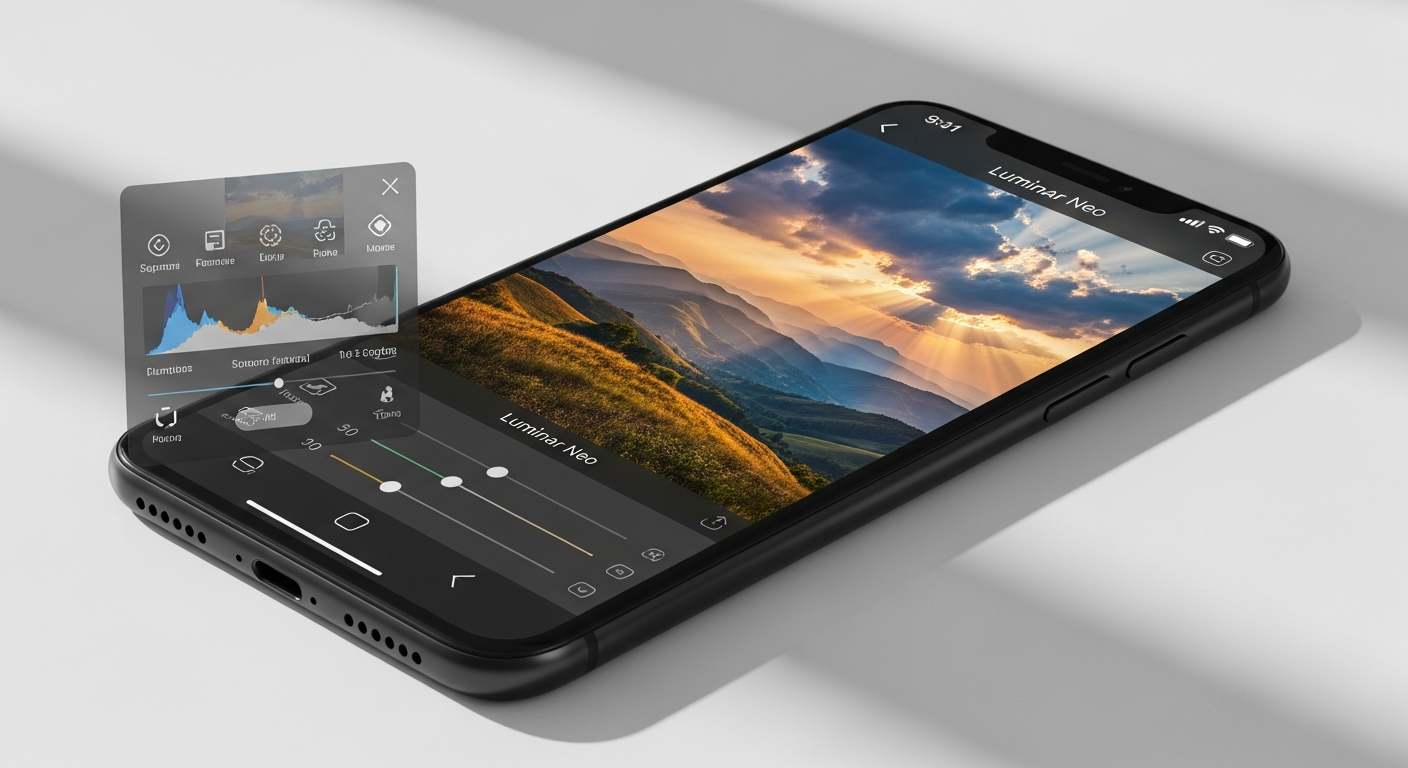
Your smartphone has become your primary camera—capturing landscapes during travels, candid moments at events, and spontaneous scenes that deserve professional editing. Yet most photographers still treat mobile editing as a compromise, waiting until they're back at their desktop to refine their images. Over 150 million photos have been edited with Luminar Neo, and a significant portion of those were captured and refined directly on mobile devices.
Skylum's Luminar Neo, launched in 2022, has earned recognition from TechCrunch, Forbes, and the TIPA World Awards for three consecutive years. What distinguishes it from other editing software isn't merely the desktop experience—it's the seamless cross-device ecosystem that lets you start editing on your phone and continue on your laptop without losing progress or functionality.
Explore Luminar Neo's mobile editing capabilities with a free 7-day trial.
Mobile Editing Powerhouse: AI Tools That Actually Work on Your Phone
Luminar Neo's mobile apps for iOS and Android bring desktop-caliber AI tools directly to your device. GenErase removes unwanted objects from your photos—a distracted bystander, a power line crossing your landscape, dust spots on your sensor—all from your pocket. EnhanceAI intelligently enhances details and sharpness, making your mobile captures pop without the artificial processing look that degrades quality.
Specialized Tools for Different Photography Styles
Sky AI excels at realistic sky replacement for landscape photography. Capture a compelling composition with a flat, overcast sky, then replace it with dramatic clouds or sunset gradients—all on your phone before you leave the location. The Portrait AI suite, including Face AI, Skin AI, Body AI, and Portrait Bokeh AI, handles smartphone photography where depth-of-field limitations are real. These tools create separation between subject and background, smooth skin naturally, and refine facial features without requiring a dedicated portrait lens.
Atmosphere AI and Relight AI address two of mobile photography's persistent challenges: atmospheric clarity and lighting corrections. Adjust the mood of your image by adding haze or clearing it away, then correct underexposed shadows or blown-out highlights—tasks that previously demanded desktop software.
Performance and Real-Time Editing
Real-time preview capabilities mean you see changes instantly as you adjust sliders, rather than waiting for processing to complete. Non-destructive editing preserves your original image data, allowing endless experimentation without quality loss. Luminar Neo's mobile optimization accounts for varying RAM configurations and phone models, ensuring smooth performance whether you're editing on the latest flagship or a mid-range device.
Cross-Device Workflow: Seamless Editing From Field to Studio
The Cross-Device Perpetual License at $159 unlocks a fundamental shift in how photographers work. Start editing a travel photograph on your iPhone during a layover, save your progress with all layers intact, then open the same project on your Mac at home to refine color grading or apply final touches. Cloud-based project syncing preserves every adjustment across devices, eliminating the friction of exporting, transferring, and reimporting files.
Mobile-First Editing for Time-Sensitive Content
Event photographers benefit immediately. Refine photos between ceremonies or receptions on your phone, then deliver polished images to clients faster. Travel photographers edit between flights, uploading finished work to cloud storage from the airport. Content creators racing against social media posting windows adjust images on mobile while commuting or between shoots, then schedule uploads from their phone.
Organizational Tools and File Compatibility
Luminar Neo manages large photo libraries across devices, tagging and organizing images so you can locate specific shots regardless of where you edit them. RAW support means you're not limited to JPEGs—your phone processes raw sensor data with the same precision as desktop editors. JPEG and PNG compatibility ensure flexibility with different capture scenarios and social media requirements. Exporting and sharing directly from the mobile app to Instagram, TikTok, or cloud services eliminates extra steps.
Start your mobile editing journey with Luminar Neo's Cross-Device License.
License Options for Mobile-First Photographers
Skylum offers three perpetual license tiers, each addressing different needs and budgets.
Desktop License ($119)
This entry-level option provides full desktop access but excludes mobile apps. Choose this if you edit exclusively on your computer and never need on-the-go capabilities. The price undercuts many competitors, making it accessible for photographers just beginning with AI-powered editing.
Cross-Device Perpetual License ($159)
This tier unlocks the full mobile ecosystem, including iOS and Android apps alongside your desktop software. For most photographers balancing between phone and computer editing, this represents the optimal value—professional AI tools in your pocket without subscription commitments. The $40 premium over the desktop-only license quickly justifies itself through time savings and workflow flexibility.
Perpetual Max License ($179)
The highest tier adds access to an expanded creative library with additional presets, textures, and effects. Mobile photographers pursuing advanced creative workflows benefit most from this option, though the additional content appeals primarily to creative professionals rather than casual users.
Subscription and Trial Options
Photographers hesitant about perpetual purchases can test the platform through subscriptions at $14.95 monthly or $99 annually. A 7-day free trial lets you evaluate mobile functionality with your own photos before committing financially. Skylum's 30-day money-back guarantee removes risk from the perpetual license purchase, providing genuine assurance that the software meets your editing needs.
The perpetual license model costs substantially less over time than Adobe's subscription ecosystem, particularly for photographers who edit consistently for years. You purchase once and continue accessing tools indefinitely, with optional updates available separately.
Mobile Photography Evolved: Your Next Step Forward
Luminar Neo transforms mobile photography from a compromise into a genuine creative advantage. The cross-device perpetual license at $159 delivers professional-grade AI editing tools in your pocket—something that would've seemed impossible just a few years ago. Whether you're a travel photographer who needs to edit between flights, an event shooter refining images between sessions, or a content creator racing against deadlines, the software's mobile capabilities genuinely compete with desktop alternatives.
The real power emerges when you stop thinking of mobile editing as a secondary option. With GenErase, Sky AI, and portrait tools optimized for your phone, you're not making compromises—you're embracing a faster, more flexible creative process. Your smartphone is already your most accessible camera. The organizational capabilities, cross-device syncing, and non-destructive editing mean that mobile workflows integrate seamlessly with your desktop refinement, eliminating the friction that previously made phone editing feel clunky or inferior.
Grab the 7-day free trial of Luminar Neo and experience AI-powered mobile editing firsthand.
Leave a Reply