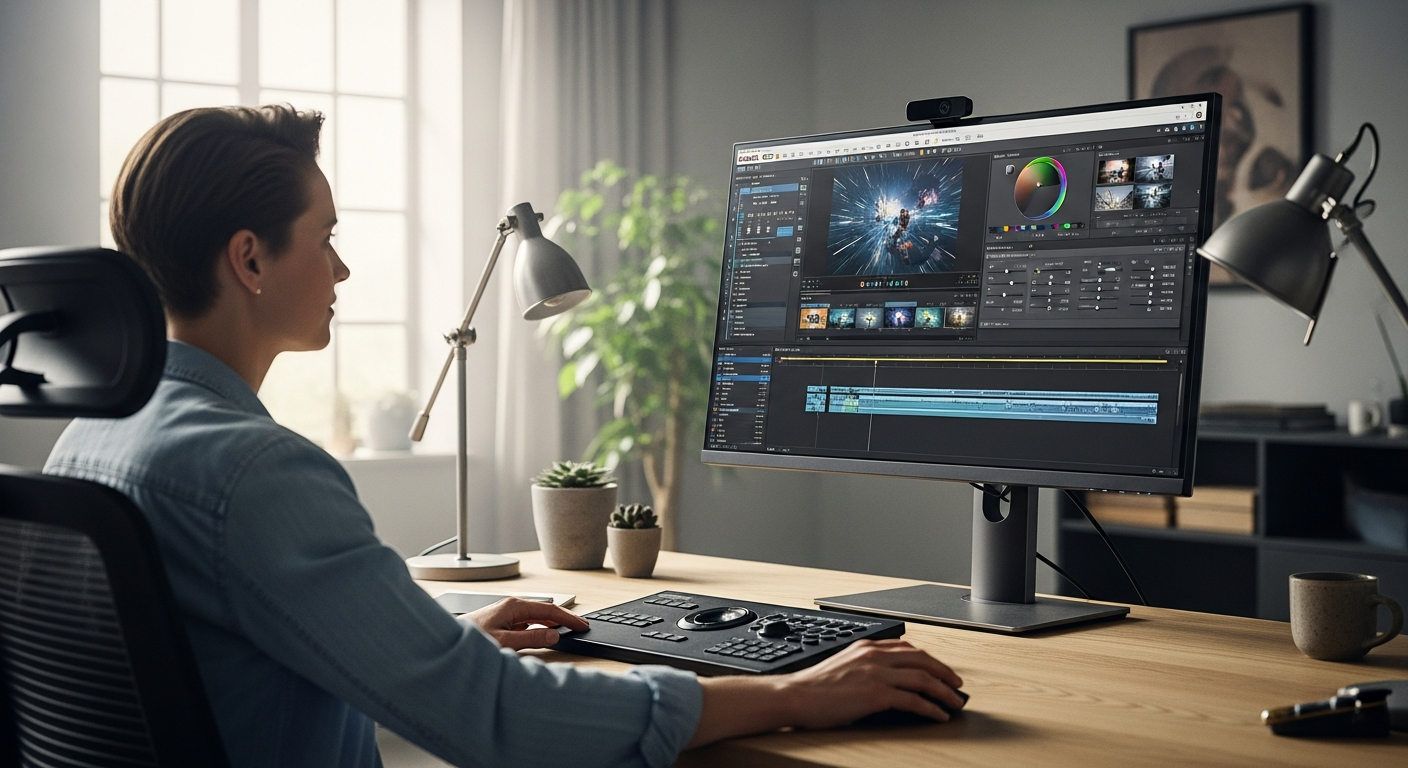
Over 60% of content creators struggle with complex editing software that demands a steep learning curve, leaving raw footage abandoned in dusty folders. The challenge isn't a lack of ambition—it's finding tools that balance power with accessibility. MAGIX Video deluxe 2026 emerged as Europe's answer to this creative bottleneck, bridging the beginner-to-professional spectrum with cutting-edge AI technology and an intuitive interface that actually works.
This software has quietly become the trusted choice for creators across the continent who refuse to compromise between ease of use and professional capabilities. Rather than forcing you to choose between learning complex workflows or settling for basic features, MAGIX delivers both—without the $2,000 price tag attached to competing solutions. You'll discover AI-driven features that automate tedious tasks, technical specifications supporting 4K and 8K resolution, three flexible pricing tiers, and professional capabilities that rival expensive alternatives.
Get started with MAGIX Video deluxe 2026 today and unlock your creative potential.
AI Automation Meets Creative Control: The Intelligence Behind Video deluxe 2026
The real game-changer in Video deluxe 2026 is how its AI handles the repetitive, soul-crushing tasks that steal editing time. Automatic media sorting and tagging kick in the moment you import footage. Instead of manually organizing hundreds of clips by date, camera angle, or scene, AI algorithms organize everything instantly. Your footage practically sorts itself, eliminating the manual file management that typically consumes hours on larger projects.
Automatic media sorting and tagging
You upload raw footage, and the software begins categorizing by visual content, temporal markers, and metadata. This means fewer clicks sorting through endless folders and more time actually editing.
AI-powered subtitles and voiceovers in 100+ languages
Generate professional captions and multilingual audio without hiring translators or voiceover artists. The AI analyzes your video content and creates accurate subtitles that sync perfectly with your audio. For creators targeting global audiences, this single feature justifies the software investment alone.
Intelligent image optimization
Automatic enhancement of color, contrast, and clarity across clips happens in the background. Your footage arrives looking better than the raw material—not through magic, but through AI that applies proven enhancement techniques consistently across your project.
Smart workflow streamlining
AI handles repetitive tasks so you focus on creative decisions. Context-aware suggestions learn your editing style and recommend effects and transitions that match your aesthetic. Batch processing capabilities apply AI enhancements to multiple clips simultaneously, accelerating projects that would take days with manual adjustments.
Format Compatibility and Resolution Support: Future-Proof Your Video Projects
Codec compatibility frustrates creators more than almost anything else. You shoot on one camera, but the footage won't play on another system. This software eliminates that headache entirely with comprehensive support for DV-AVI, M(2)TS, MJPEG, MKV, MOV, MXV, VOB, WMV(HD), HEVC/H.265, and MPEG-1/2/4 formats.
4K and 8K Ultra HD editing capabilities
Native support for resolutions up to 4096 x 2160 pixels means 4K editing runs smoothly. But the software doesn't stop there—8K Ultra HD editing capabilities ensure your projects remain relevant as camera technology evolves. Intel GPU hardware acceleration keeps playback smooth and rendering times reasonable, even with high-resolution timeline work.
GPU hardware acceleration and H.264 decoding
Intel GPU optimization ensures smooth playback and rendering of high-resolution footage without requiring expensive workstation hardware. Industry-standard H.264 codec support enables seamless compatibility across devices and platforms.
Multi-format flexibility
Mix different video formats within a single project without conversion. Shoot with multiple cameras using different codecs, import everything directly, and edit from a unified timeline. Export directly to DVD, AVCHD, or Blu-ray without third-party software—your finished project moves immediately to physical media or digital distribution.
Professional Editing Tools for Creators Ready to Level Up
This software refuses to compromise on capabilities. Multi-camera editing lets you synchronize and switch between up to four camera angles in real-time—essential for live events, interviews, or performances where multiple perspectives create the story. The timeline automatically locks footage together, and switching between angles becomes as simple as clicking different video tracks.
Advanced color grading and visual effects
360° video editing creates immersive content for VR platforms and interactive experiences. Advanced color grading provides precise control over color wheels, curves, and LUTs for cinematic results. Professional video stabilization eliminates camera shake without sacrificing image quality—crucial when shooting handheld or in challenging conditions.
Creative effects and temporal manipulation
Slow motion and time-lapse effects enable frame-rate manipulation for dramatic storytelling. The software includes 2,000+ effects, fades, and transitions as pre-built creative assets ready to enhance visual storytelling. Precision timeline editing provides frame-accurate control for detailed post-production work, whether you're syncing dialogue, timing music beats, or perfecting transitions.
Pricing Breakdown: Finding the Right Edition for Your Budget
The three-tier structure ensures you pay only for what you actually need. MAGIX Video deluxe 2026 Plus costs €39.99 (regularly €54.99) and provides the entry-level option with essential editing tools and a basic effects library. This tier handles most beginner and intermediate projects effectively.
The Premium Edition runs €49.99 (regularly €69.99) and includes the mid-tier package with advanced effects, multi-cam editing, and enhanced AI features. Creators working with multiple camera angles or targeting professional results benefit significantly from this tier.
The Ultimate Edition at €99.99 (regularly €119.99) provides the complete suite with all professional tools, maximum effects library, and priority support. Serious content creators, filmmakers, and semi-professionals find all the capabilities they need without paying subscription fees.
Current promotions deliver savings of up to 40% during promotional periods across all tiers. Flexible licensing allows upgrading from Plus to Premium or Ultimate as skills advance. Most importantly, this operates on a one-time purchase model with no subscription fees—you own a perpetual license after purchase, unlike competitors charging monthly.
Your Creative Journey Starts Here: Making the Move to Professional Video Editing
MAGIX Video deluxe 2026 shatters the myth that powerful video editing requires either years of training or thousands of dollars. This software delivers professional-grade capabilities wrapped in an interface that welcomes beginners while rewarding advanced users. The AI-powered automation handles the grunt work—sorting footage, generating subtitles, optimizing images—freeing you to focus on storytelling.
Whether editing your first YouTube video or managing multi-camera event footage, the comprehensive toolkit adapts to your ambitions. The three-tier pricing structure means you're not paying for features you won't use. Start with Plus at €39.99, then upgrade as your skills and projects demand more. Support for 4K and 8K editing, combined with GPU acceleration and multi-format compatibility, ensures your investment remains relevant as technology evolves.
Windows creators have waited for this—a stable, feature-rich alternative that doesn't demand a learning curve measured in months. The real question isn't whether MAGIX Video deluxe 2026 can handle your projects. It's whether you're ready to transform raw footage into stories that captivate. Test the software with your own clips, explore the 2,000+ effects, and experience how AI automation reshapes your editing workflow.
Start your video editing transformation with MAGIX Video deluxe 2026 now.
Leave a Reply