Over 400 million people worldwide rely on Microsoft Office every single day—yet most households still struggle to find an affordable way to keep everyone connected and productive under one roof. The gap between needing robust productivity tools and actually being able to afford them for multiple family members has widened over the years, leaving many households relying on outdated software or fragmented solutions that don't work well together.
Microsoft Office 365 Personal/Family subscription changes the game by delivering a unified productivity ecosystem designed for modern households. Rather than juggling multiple licenses, outdated versions, or incomplete alternatives, families can now consolidate their productivity needs into a single, cohesive platform. At €94.90 annually, it's become one of the most trusted solutions for families seeking seamless collaboration without the complexity.
Why Families Are Switching to Office 365 Subscription Model
The shift from one-time purchases to subscription-based access represents a fundamental change in how software works. Traditional perpetual licenses required buying new versions every few years, with each upgrade representing a significant capital expense. Office 365 flips this model on its head by spreading costs across the year, making budgeting predictable and manageable.
At €94.90 annually, the subscription cost remains fixed and transparent. Compare this to the historical pattern of perpetual licenses: a new major version release every two to three years often meant shelling out €100-150 per license just to stay current. When you multiply that across multiple household members, traditional licensing becomes prohibitively expensive. Subscription licensing eliminates the need to buy new versions every few years—the latest features, security patches, and improvements arrive automatically throughout the year at no additional cost.
For families managing household budgets, this predictability is transformative. You know exactly what your productivity software will cost, and you never face the dilemma of choosing between outdated software or an expensive upgrade.
Unlocking Multi-Device Flexibility for Every Family Member
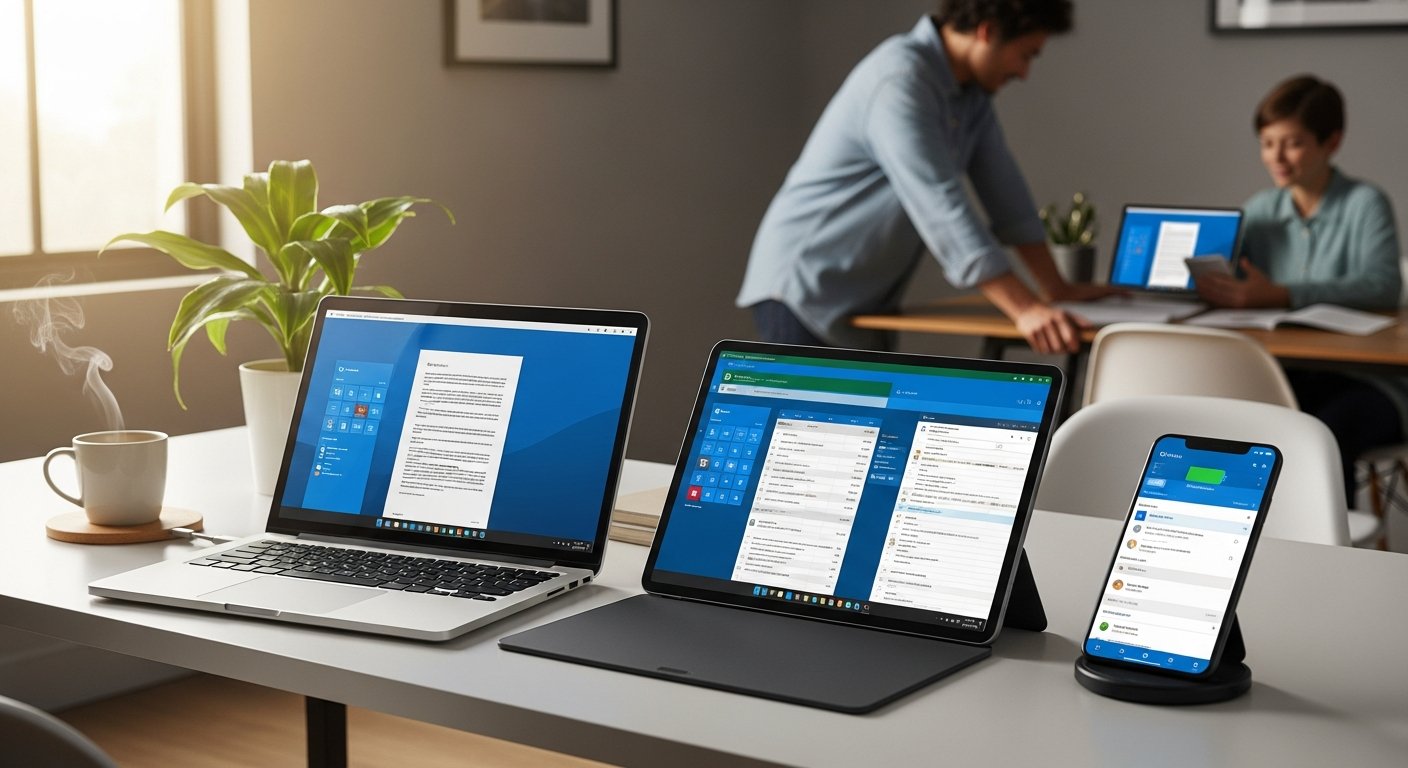
One of Office 365's defining strengths is its seamless integration across devices. Installation across PCs, Macs, tablets, and smartphones happens without restrictions, meaning your family isn't locked into a single ecosystem or device type. A student can start writing a research paper on their laptop, continue editing on their tablet during a coffee break, and finalize it on their phone while waiting at an appointment.
This flexibility extends to switching between devices mid-project without losing progress. Because documents sync through OneDrive, picking up where you left off is automatic. The spreadsheet your partner was updating on their desktop instantly reflects on your tablet. No manual saving to flash drives, no emailing files back and forth, no version confusion about which copy is current.
Offline functionality for core applications ensures productivity doesn't grind to a halt when internet connectivity drops. Word, Excel, and PowerPoint work perfectly fine without a network connection, allowing you to continue working on documents, spreadsheets, and presentations anywhere. When reconnected, your changes sync seamlessly to the cloud.
How OneDrive Cloud Storage Transforms Family Collaboration
The cloud storage component is where Office 365 truly distinguishes itself as a family solution. Each household member receives 1 TB of personal cloud storage, meaning a six-person family has access to 6 TB of combined cloud space—enough for most households' document storage needs for years.
Real-time file sharing and collaborative editing across family members eliminates the friction of traditional document passing. Rather than one person working on a budget spreadsheet, saving it, emailing it to someone else, waiting for their edits, and then manually merging changes, multiple family members can edit the same spreadsheet simultaneously. You see their cursor, their comments appear in real-time, and there's one authoritative version everyone works from.
Version history and file recovery options provide peace of mind against accidents. Accidentally deleted an important family document? Office 365 maintains version history, allowing recovery of previous iterations. This protection extends to accidental overwrites, formatting disasters, or any other mishap that could damage critical files.
The Always-Updated Advantage: Never Falling Behind on Features
Software stagnation is a real problem with perpetual licenses. You buy a copy of Office, and if you don't upgrade, you're stuck with that version indefinitely. Meanwhile, Microsoft continues developing new features, and you miss out on innovations that could improve your productivity.
With Office 365, automatic delivery of new features and improvements happens throughout the year. AI-powered features like Copilot integration become available to all subscribers as soon as they're released, without waiting for the next major version or paying extra. These aren't just incremental tweaks—they're substantial enhancements that reflect years of development investment.
Security patches deployed immediately protect against emerging threats. Cybersecurity evolves constantly, with new vulnerabilities discovered regularly. Office 365 subscribers benefit from rapid patching, ensuring your documents and data stay protected against the latest threats. This automatic security maintenance alone justifies the subscription model for security-conscious households.
Comparing Office 365 Personal vs. Family Plans
The Personal plan provides single-user access with the same core applications: Word, Excel, PowerPoint, Outlook, OneNote, and for PC users, Access and Publisher. It's designed for individuals who don't need to share with others and want to stay current with the latest Office features.
The Family plan extends these benefits to up to 6 users, each receiving their own OneDrive storage and email accounts. Rather than one person benefiting from the subscription, the entire household gains access. This multiplier effect dramatically changes the value proposition.
The cost-per-user breakdown when splitting the €94.90 annual fee across household members reveals the true economics. For a family of six, that's approximately €15.80 per person annually—less than €1.32 per month per user. Even a family of three reduces the cost to roughly €31.60 per person. This pricing crushes the cost of traditional per-license models, where each user would typically pay €50-100 annually for ongoing access to current software.
Weighing the Subscription Model: Costs, Benefits, and Trade-offs
Advantages are substantial: always-current software means no obsolescence concerns, predictable budgeting removes surprise expenses, cloud integration enables family collaboration, and multi-device access provides unmatched flexibility. For most modern households, these benefits align perfectly with how families actually work.
Disadvantages exist but deserve perspective. Recurring payments represent a shift from the "buy it once, own it forever" mentality that some users prefer. The internet requirement for initial activation, while necessary for modern software verification, can frustrate users with unreliable connectivity. Some households may never utilize all the advanced features available in the suite, meaning they're paying for capabilities they don't need.
Break-even analysis clarifies the subscription value proposition. If you used a perpetual license and upgraded every three years at approximately €100 per upgrade, your effective annual cost was €33.33 plus whatever you paid initially. By year three of an Office 365 subscription at €94.90 annually, you've spent €284.70 total, which actually exceeds buying new perpetual licenses. However, if you factor in that perpetual licenses are harder to find and require manual upgrades, plus security patches come slower, the subscription model's value becomes clearer. Beyond three years, Office 365 becomes substantially cheaper while providing better security and features.
Real-World Use Cases: How Different Households Benefit
Students managing coursework, research papers, and group projects across devices find Office 365 indispensable. A student can research on their phone during transit, write the paper on their laptop at home, collaborate with classmates editing the same document simultaneously, and present using PowerPoint on a classroom computer—all with the same subscription and automatic file syncing through OneDrive.
Remote workers maintaining productivity while working from home with cloud-based collaboration benefit from Office 365's designed-for-distance features. Email through Outlook integrates seamlessly with calendar sharing, spreadsheets enable real-time team tracking of projects and budgets, and cloud storage ensures no sensitive files remain stranded on a personal device if something happens.
Small business owners running operations with shared spreadsheets, invoicing, and scheduling leverage Office 365's family sharing to extend access to employees or contractors. Up to six users under one subscription can each maintain their own files and email accounts while accessing shared business documents through OneDrive. At €94.90 annually, this beats paying for individual business subscriptions that often cost substantially more per person.
Getting Started: Setup, Activation, and Maximizing Your Subscription
The step-by-step activation process begins with purchasing the subscription through a retailer like licenzesoftware.it. After purchase, you'll receive account credentials and activation instructions. Creating your Microsoft account takes minutes and serves as the foundation for your entire Office 365 ecosystem.
Downloading and installing Office across your devices happens directly from your Microsoft account. Whether you're setting up on Windows PCs, Macs, iPads, or Android tablets, the process is straightforward—visit account.microsoft.com, navigate to your software, and download the appropriate installer for each device type.
Setting up family sharing requires inviting household members to your subscription. Each person receives their own email account, cloud storage, and synchronized access to all Office applications. They don't require separate subscriptions or licenses; the Family plan covers everyone under that single purchase.
Making the Smart Choice for Your Family's Productivity Future
Microsoft Office 365 Personal/Family subscription delivers genuine value for households ready to embrace cloud-connected productivity. The combination of cross-device flexibility, shared cloud storage, and automatic updates creates an ecosystem where families can collaborate effortlessly. At €94.90 annually, the cost breaks down to mere pennies per user for households splitting the Family plan, making it exceptionally competitive against buying individual licenses.
The real power of Office 365 Personal/Family emerges when you commit to leveraging its collaborative features. Stop emailing documents back and forth and start editing spreadsheets simultaneously. When you unlock these capabilities, the subscription becomes less of an expense and more of an investment in seamless household productivity.
Leave a Reply