The Folder-Syncing Revolution: How SugarSync Breaks the Mold
Most cloud storage services operate on the same restrictive premise: create a special folder, move your files into it, and accept that your existing organization will suffer. But what if you could synchronize any folder on your computer without rearranging a single file? That's precisely where the SugarSync 250 GB Personal Cloud Sync Plan distinguishes itself from the crowded marketplace.
SugarSync has cultivated a devoted following among users who refuse to compromise on file organization. While competitors like Dropbox and Google Drive capture attention with aggressive pricing and headline-grabbing features, SugarSync operates differently—building a service around user file structures rather than forcing users to adapt to predetermined systems.
The 250 GB plan represents the ideal balance of storage capacity and functionality for serious personal use. Discover how SugarSync's unique syncing capabilities enhance your workflow
The Folder-Syncing Revolution: How SugarSync Breaks the Mold
Understanding the Magic Folder Limitation
Dropbox, Google Drive, and OneDrive all rely on a centralized folder approach. Users must consolidate files into a designated storage location, which disrupts natural workflow patterns developed over years. This forced reorganization creates friction, particularly for those managing complex project structures or archived materials across multiple categories.
SugarSync's Any-Folder Approach
SugarSync eliminates this constraint entirely. You select any folder on your computer—existing project directories, photography archives, research collections—and synchronization begins immediately. Your file hierarchy remains untouched. Existing organizational systems persist without modification.
Real-World Scenarios Where Flexibility Matters
Photography professionals maintain organized directories by subject, date, and client. Restructuring these hierarchies into a single designated folder introduces confusion and workflow disruption. Similarly, researchers accumulating documents across categorized folders for different projects benefit enormously from syncing existing structures rather than consolidating everything into one location.
User Experience and Productivity Impact
Power users managing multiple project directories experience significant time savings by avoiding folder restructuring. Setup complexity decreases substantially compared to traditional cloud storage services. The direct result: immediate productivity gains without the learning curve of adapting to new organizational paradigms.
Cross-Platform Synchronization Across Unlimited Devices
Comprehensive Operating System Support
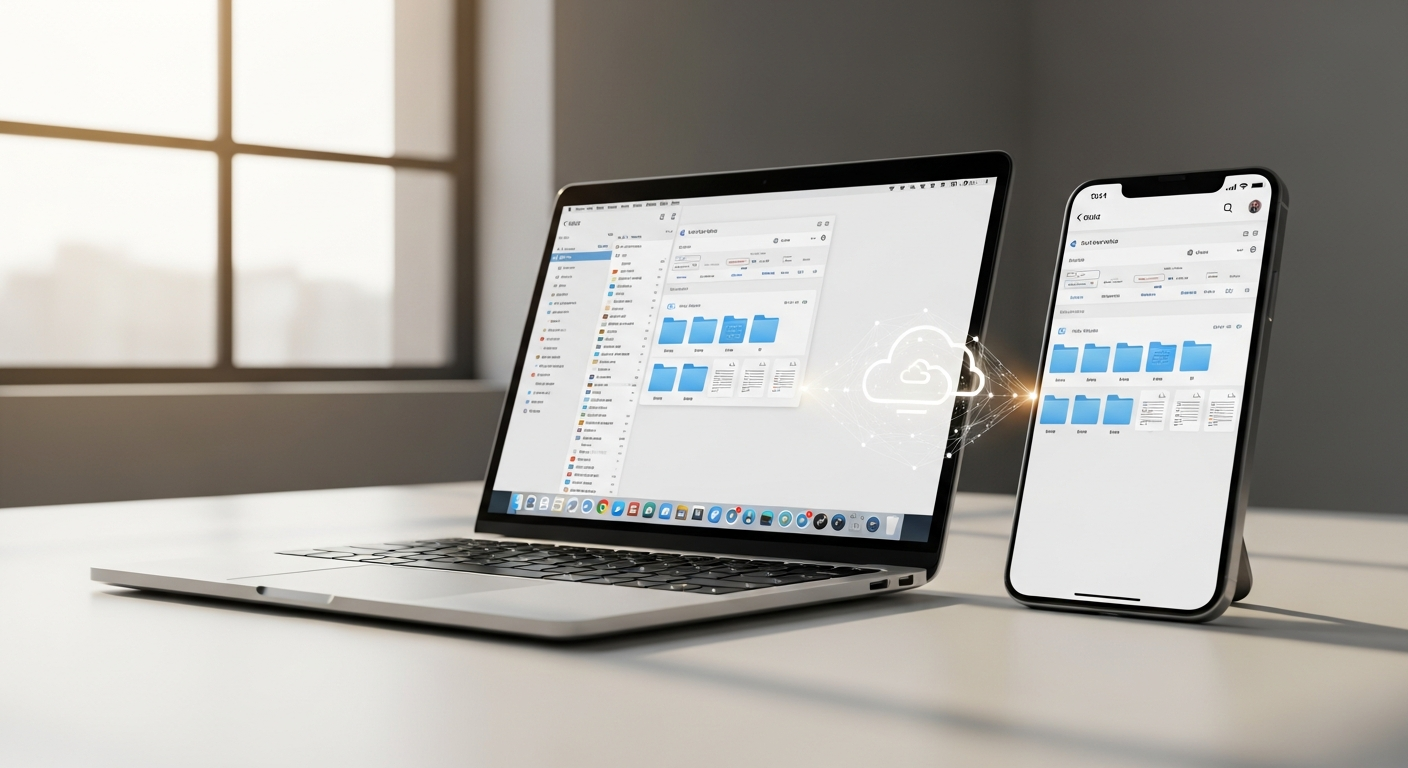
SugarSync functions seamlessly across Windows, macOS, iOS, and Android platforms. Real-time synchronization ensures files update instantly as changes occur, maintaining consistency across all connected devices regardless of operating system.
Unlimited Device Connections
This plan supports an unlimited number of devices per account—a significant advantage for multi-device users. Home office computers, laptops, tablets, and smartphones all synchronize without artificial restrictions or additional tier requirements.
Offline Access and Automatic Updates
Mobile devices maintain access to synchronized files even without internet connectivity. When devices reconnect, automatic updates ensure all changes synchronize seamlessly. Battery consumption and bandwidth considerations remain minimal for typical mobile usage patterns.
Supporting Diverse Digital Ecosystems
Remote workers and digital nomads benefit tremendously from this flexibility. A user might work on a desktop during office hours, continue on a laptop during travel, reference files on a tablet during meetings, and access notes via smartphone throughout the day. All changes propagate across every device instantly.
Automatic Backup and File Versioning: Your Safety Net
Continuous Syncing and Real-Time Protection
Automatic backup mechanisms operate continuously, reducing data loss risk significantly. Files synchronize in real-time as modifications occur, creating multiple protective layers against accidental deletion or corruption.
Five-Version File History System
The service retains five previous versions of each file, enabling rapid recovery if errors occur. Users can revert to earlier iterations quickly through an accessible version history timeline. This protection proves invaluable when accidental changes require undoing or corrupted files need restoration.
Workflow Disaster Prevention
Version history prevents numerous workflow disasters. An employee might accidentally overwrite critical project files, then restore the previous version within seconds. A researcher could recover earlier drafts of important documents. The five-version retention provides adequate protection for typical personal use scenarios, though some competitors offer more extensive version histories.
Experience reliable backup and version control with SugarSync today
Security Architecture: Encryption, Device Wipe, and Data Protection
AES-256 Encryption Standards
SugarSync employs AES-256 encryption for data at rest and in transit—an industry-standard protocol protecting files during storage and transmission. This encryption level provides robust protection for personal documents and sensitive information.
Remote Device Wipe Capabilities
Lost or stolen devices pose security risks. The remote wipe feature allows users to erase data from compromised devices remotely, protecting sensitive information even when hardware disappears.
Understanding the Encryption Model
A critical distinction exists between SugarSync's approach and true zero-knowledge encryption. SugarSync holds encryption keys rather than users maintaining exclusive key control. This model means the company possesses technical capability to access files if law enforcement requests them. For users storing highly sensitive data or prioritizing maximum privacy, this represents a meaningful limitation compared to zero-knowledge competitors.
Compliance and Data Residency
The service implements standard compliance measures appropriate for personal use, though specialized requirements for regulated industries may necessitate alternative solutions.
File Sharing and Collaboration Without Friction
Seamless Sharing Mechanisms
Sharing files with other SugarSync account holders functions smoothly through native platform features. Non-SugarSync users receive access through link-based sharing, expanding utility beyond the installed base.
Permission Controls and Access Management
Granular permission controls allow users to specify access levels for shared files. Online editing capabilities enable real-time collaboration, though simultaneous co-editing functionality remains limited compared to Google Workspace or Microsoft 365.
Mobile Access and Third-Party Integration
Dedicated mobile applications provide on-the-go file sharing and access. Integration with collaboration tools remains functional for team projects and family file sharing scenarios, accommodating both professional and personal use cases.
Pricing Strategy and Value Proposition at $9.99 Monthly
Cost Structure and Payment Options
The monthly subscription costs $9.99, with annual payment options available for users preferring upfront commitments. A 30-day free trial allows testing before financial commitment, though payment information is required upfront.
Storage Comparison Against Competitors
The 250 GB allocation benchmarks unfavorably against major competitors on cost-per-GB metrics. Google One, Dropbox, OneDrive, and iCloud frequently offer more storage capacity for equivalent or lower pricing. However, this pricing reflects the value placed on core functionality rather than storage volume alone.
Unlimited Device Support Value Calculation
The unlimited device support across all platforms provides significant value for multi-device users. Many competitors impose device limitations or charge additional fees for multiple device connections, making SugarSync's unrestricted approach economically favorable for power users.
Absence of Permanent Free Tier
Unlike competitors offering permanent free plans with limited storage, SugarSync requires payment to access any service beyond the 30-day trial. Budget-conscious users seeking perpetual free options must look elsewhere.
Practical Advantages for Specific User Types
Freelancers and Creative Professionals
Freelancers managing multiple client projects benefit tremendously from folder-syncing flexibility. Existing project organization persists across all devices without restructuring, enabling seamless access whether working from office, coffee shop, or client location.
Photographers and Videographers
Those maintaining extensive media libraries organized by subject, date, or project find SugarSync's approach particularly valuable. Massive collections remain accessible across devices without reorganization requirements.
Researchers and Academics
Complex research materials organized across numerous folders synchronize instantly across all devices. This flexibility supports the non-linear organization patterns typical in academic work.
Remote Workers and Digital Nomads
Professionals requiring seamless file access across multiple devices, locations, and time zones experience substantial productivity gains. The unlimited device support particularly benefits those working across diverse hardware ecosystems.
Notable Limitations and When SugarSync Falls Short
Pricing and Feature Density
The higher price point relative to storage capacity offered represents SugarSync's most significant disadvantage. Competitors frequently undercut pricing while offering larger storage allocations and comparable features.
Interface and Design Concerns
An outdated user interface introduces friction for modern users accustomed to contemporary design standards. Performance comparisons to newer alternatives sometimes reveal speed disadvantages, though core functionality remains reliable.
Feature Gaps and Compatibility Issues
Official Linux support remains absent, limiting utility for desktop Linux users. Advanced collaboration features lag behind competitors, and the absence of zero-knowledge encryption concerns privacy-first users. Limited free tier options exclude budget-conscious users entirely.
Feature Adoption Timeline
SugarSync adopts emerging features more slowly than industry leaders, potentially leaving users waiting for functionality already available elsewhere.
The Flexibility Premium: Whether SugarSync Earns Its Place
The SugarSync 250 GB Personal Cloud Sync Plan represents a deliberate choice: prioritizing workflow flexibility over aggressive pricing strategies. Users pay for the ability to synchronize any folder without disruption, access files across unlimited devices, and maintain existing file organization systems. That's genuinely powerful for those who've wrestled with competitors' rigid folder structures.
The automatic backup, file versioning, and AES-256 encryption provide legitimate peace of mind. Yes, the monthly cost exceeds Google Drive or Dropbox offerings. Yes, the interface needs modernization. However, for users whose digital workflows depend on maintaining control over file hierarchies and accessing work across multiple devices seamlessly, the investment translates directly into productivity gains and stress reduction.
The 30-day free trial provides an opportunity to test the service against actual usage patterns. Many users discover that SugarSync's core strengths align perfectly with their working methods, making the premium cost worthwhile. The critical question isn't whether SugarSync offers the cheapest storage option—it doesn't. Rather, consider whether the premium for maintaining control over your file structure and synchronizing across unlimited devices justifies the investment for your specific needs.
Start your free SugarSync trial and experience flexible cloud synchronization risk-free
Leave a Reply